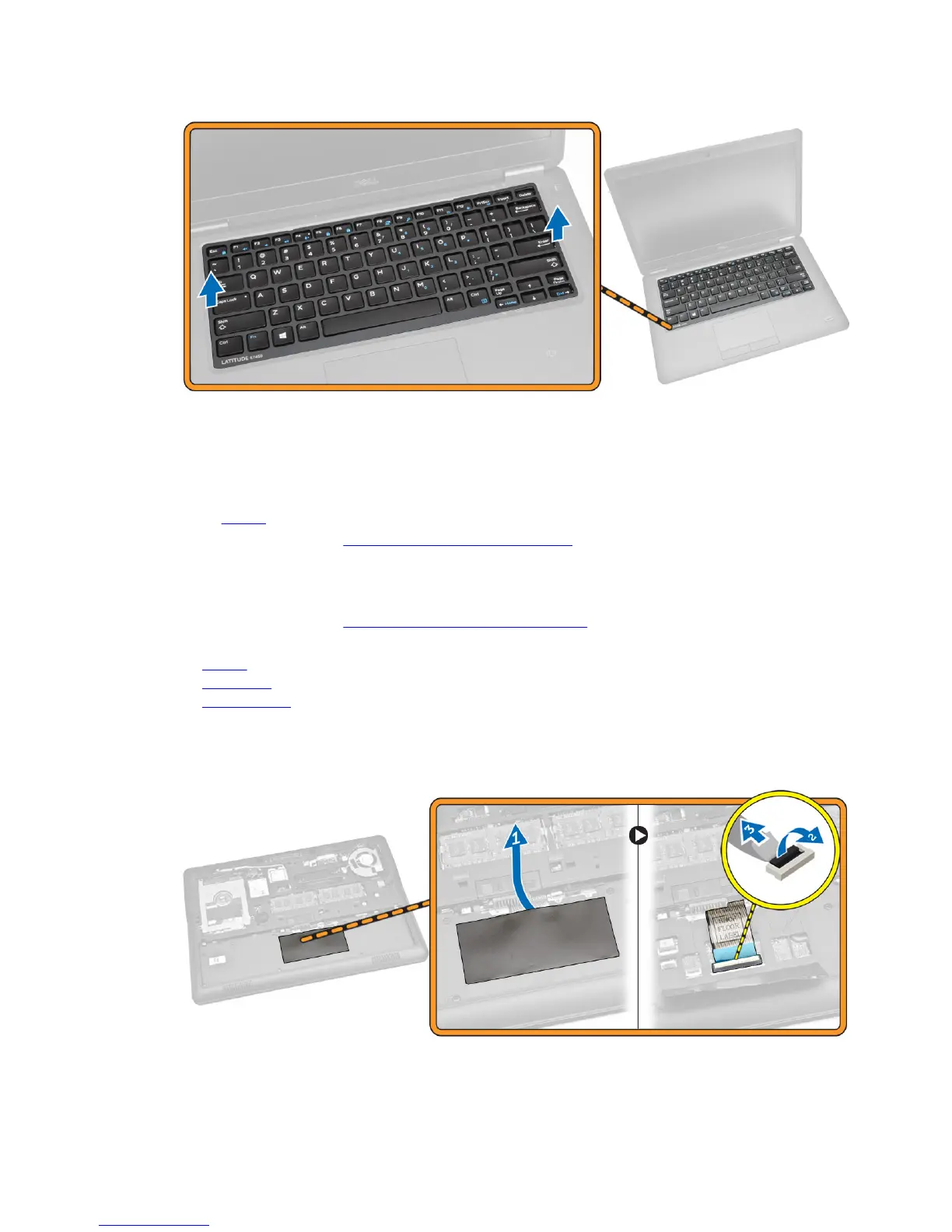
Installing the Keyboard Trim
1. Insert the keyboard trim on the keyboard.
2. Press along the sides of the keyboard trim until it clicks in place.
3. Install battery.
4. Follow the procedures in After Working Inside Your computer
Removing the Keyboard
1. Follow the procedures in Before Working Inside Your Computer
2. Remove:
a. battery
b. base cover
c. keyboard trim
3. Perform the following steps as shown in the illustration:
a. Peel the adhesive tape to access the keyboard cable [1].
b. Disconnect the keyboard cable from its connector on the system board [2] [3].
22














 To Next Page