116 I/O Board
11
Follow the instructions from step 9 to step 14 in "Removing the Top
Cover" on page 83.
12
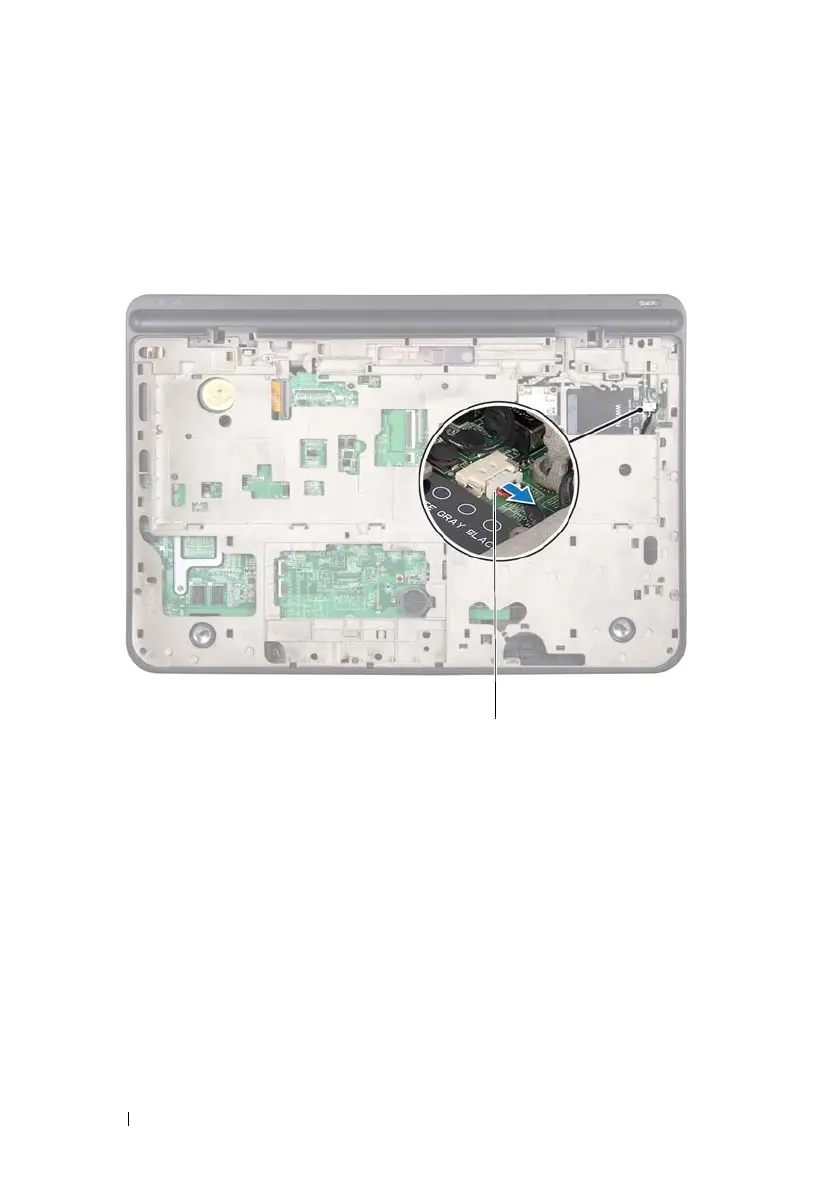
Disconnect the speaker cable from the connector on the I/O board.
13
Turn the top-cover assembly over.
14
Remove the three screws that secure the I/O board to the top cover.
15
Carefully ease the connectors on the I/O board out of the slots in the top
cover, and lift the I/O board off the top cover.
1 speaker cable connector
book.book Page 116 Wednesday, April 25, 2012 2:11 PM



 To Next Page