128 System Board
10
Remove the display assembly (see "Removing the Display Assembly" on
page 55).
11
Remove the Mini-Card(s) (see "Removing the Mini-Card(s)" on page 21).
12
Remove the coin-cell battery (see "Removing the Coin-Cell Battery" on
page 51).
13
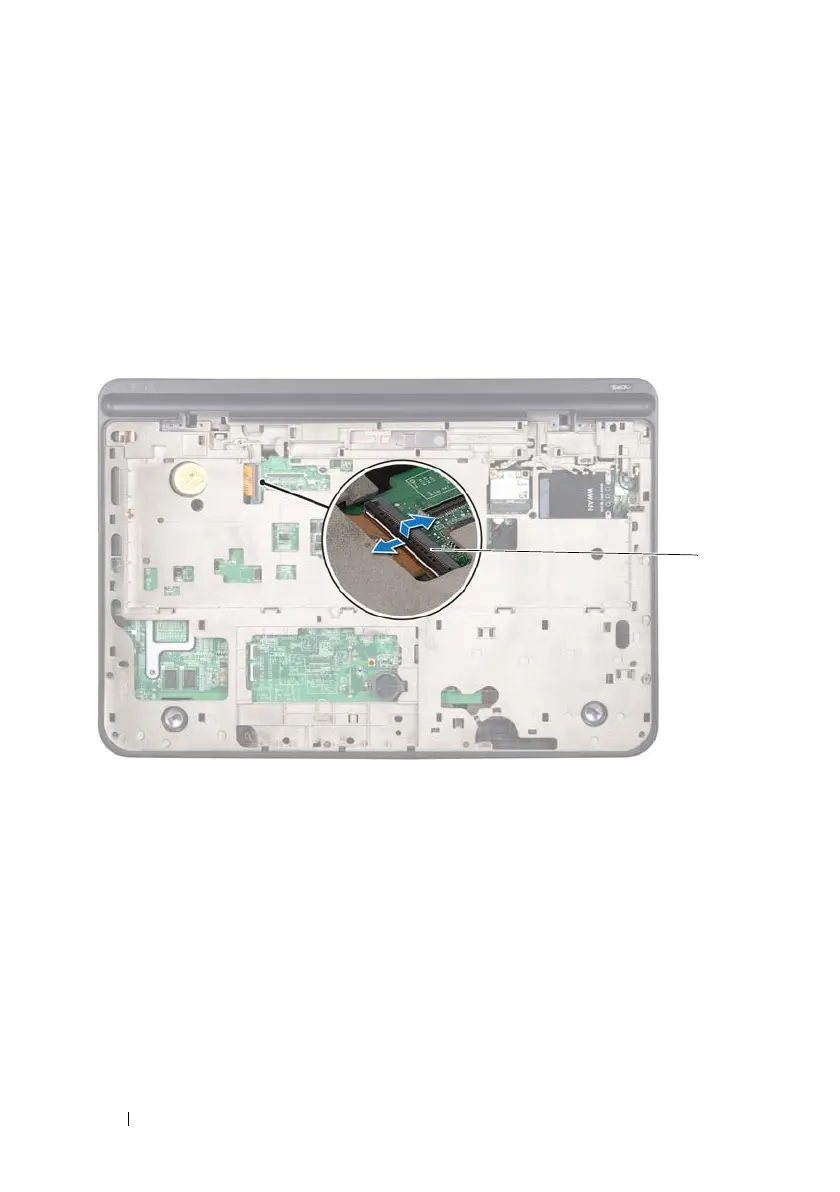
Lift the connector latch and pull the pull-tab to disconnect the USB-board
cable from the system-board connector.
14
Follow the instructions from step 9 to step 14 in "Removing the Top
Cover" on page 83.
15
Remove the heat sink (see "Removing the Heat Sink" on page 105).
16
Remove the processor module (see "Removing the Processor Module" on
page 111).
17
Remove the I/O board (see "Removing the I/O Board" on page 115).
1 USB-board cable connector
book.book Page 128 Wednesday, April 25, 2012 2:11 PM



 To Next Page