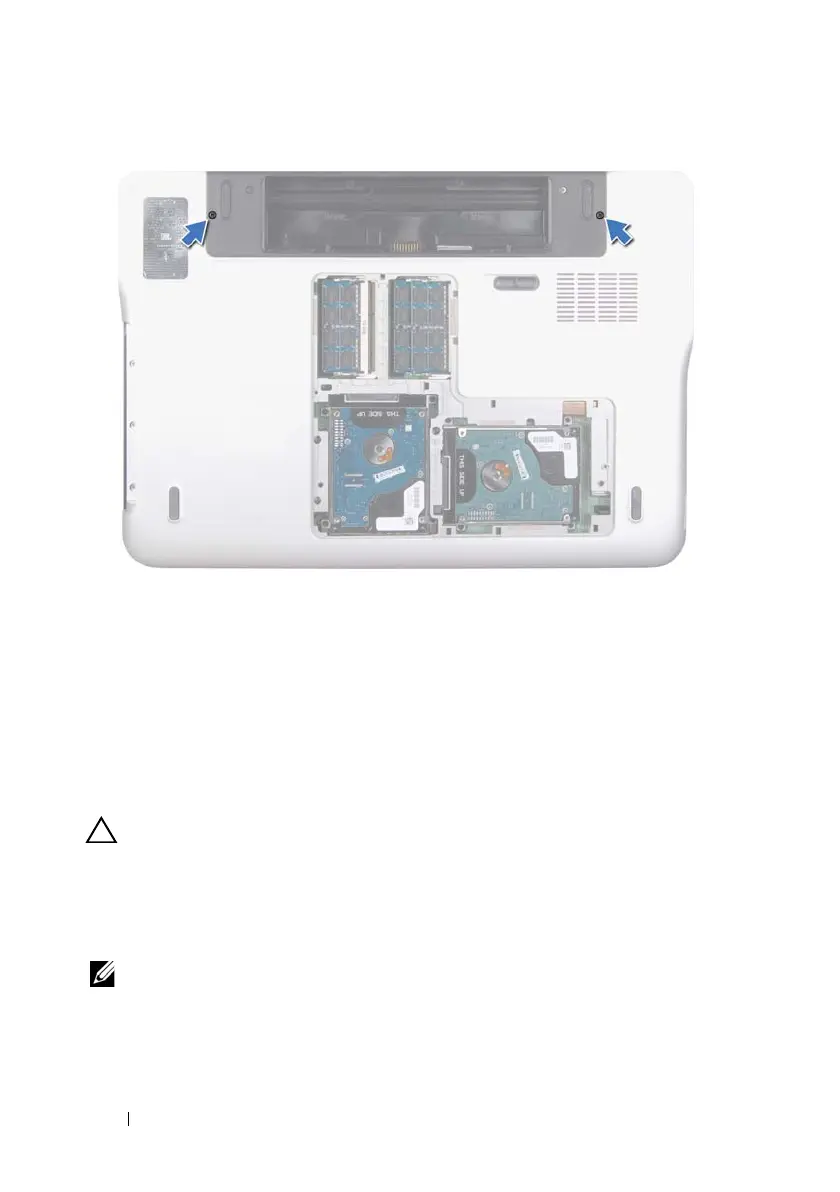
56 Display
5
Remove the optical drive (see "Removing the Optical Drive" on page 33).
6
Remove the palm-rest assembly (see "Removing the Palm-Rest Assembly"
on page 37).
7
Remove the keyboard (see "Removing the Keyboard" on page 43).
8
Disconnect the antenna cables from the Mini-Card(s) (see "Removing the
Mini-Card(s)" on page 21).
CAUTION: Be extremely careful when opening the display to prevent damaging
the display assembly.
9
Turn the computer over and open the display as far as possible.
10
Note the routing of the Mini-Card antenna cables and remove the cables
from the routing guides.
NOTE: The touch-screen board is optional and may not be present in your
computer.
11
Pull the pull-tab to disconnect the touch-screen cable from the
system-board connector.
book.book Page 56 Wednesday, April 25, 2012 2:11 PM



 To Next Page