86 Top Cover
15
Remove the AC-adapter connector (see "Removing the AC-Adapter
Connector" on page 95).
16
Remove the USB board (see "Removing the USB Board" on page 123).
17
Remove the fan (see "Removing the Fan" on page 99).
18
Remove the heat sink (see "Removing the Heat Sink" on page 105).
19
Remove the processor module (see "Removing the Processor Module" on
page 111).
20
Remove the I/O board (see "Removing the I/O Board" on page 115).
21
Remove the TV antenna connector (see "Removing the TV Antenna
Connector" on page 119).
22
Remove the system board (see "Removing the System Board" on
page 127).
23
Remove the speakers (see "Removing the Speakers" on page 133).
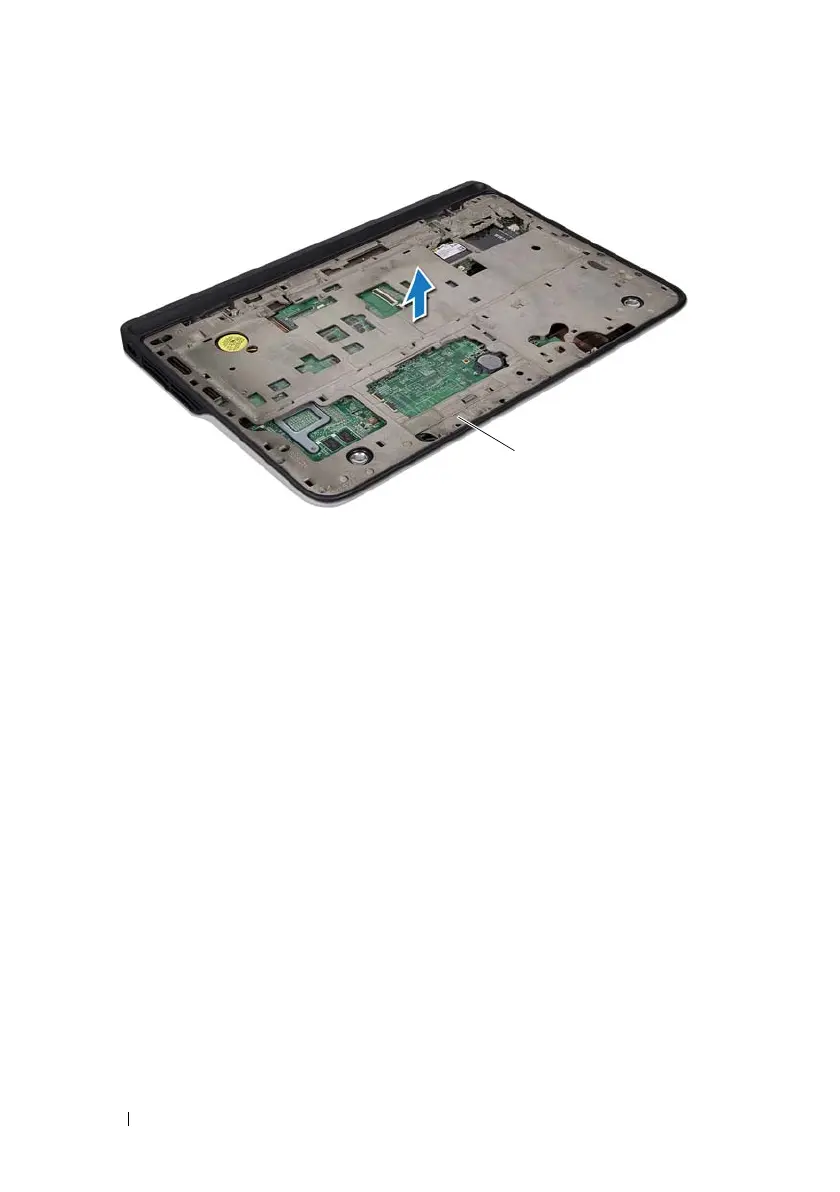
1 top-cover assembly
book.book Page 86 Wednesday, April 25, 2012 2:11 PM



 To Next Page