16. Solid-state Drive
17. Hard Drive Assembly
NOTE: Dell provides a list of components and their part numbers for the original system configuration purchased. These
parts are available according to warranty coverages purchased by the customer. Contact your Dell sales representative for
purchase options.
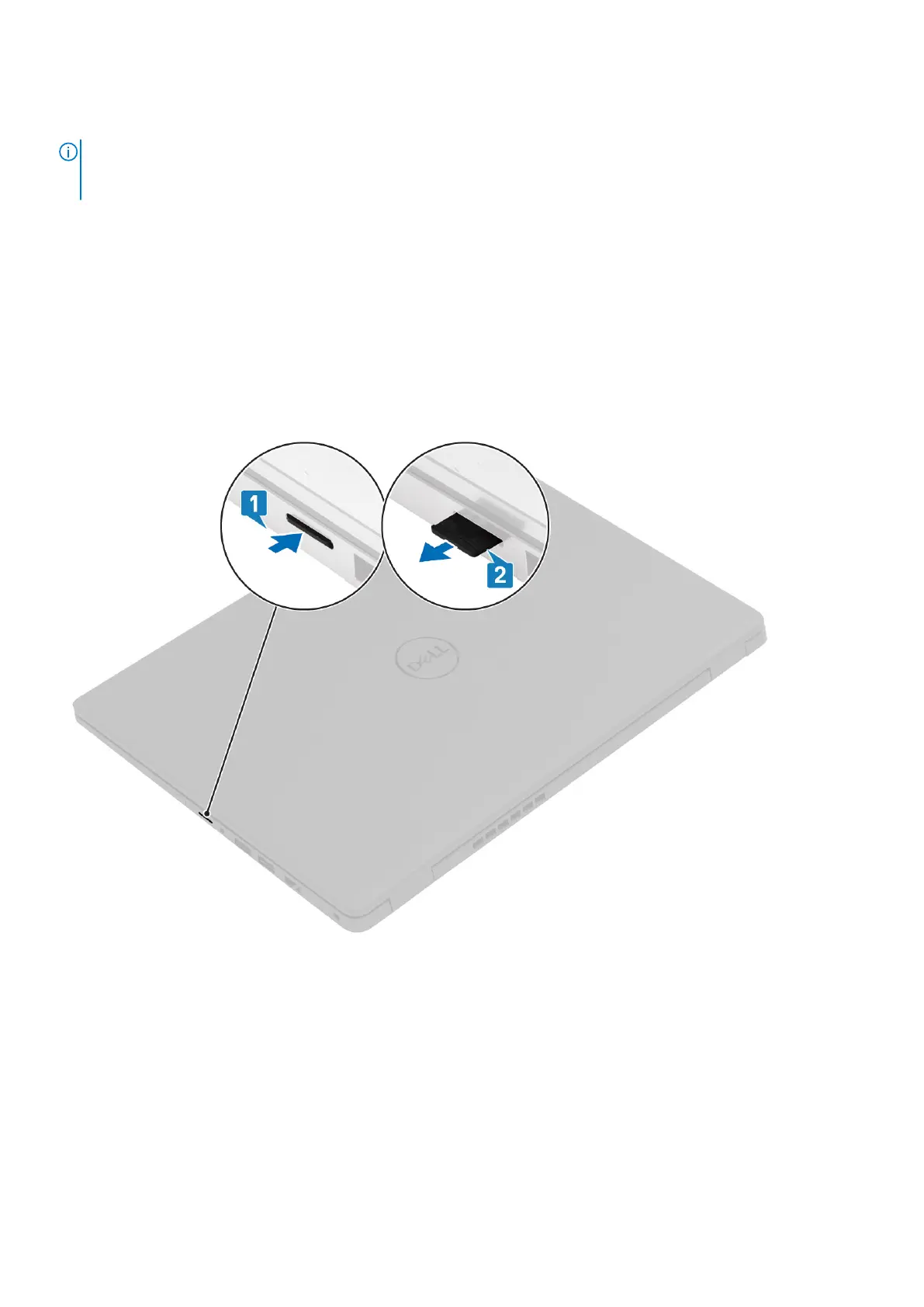
MicroSD card
Removing the microSD card
Prerequisites
1. Follow the procedure in Before working inside your computer.
About this task
Steps
1. Push the microSD card to release it from the computer.
2. Slide the microSD card out of the computer.
14
Disassembly and reassembly



 To Next Page