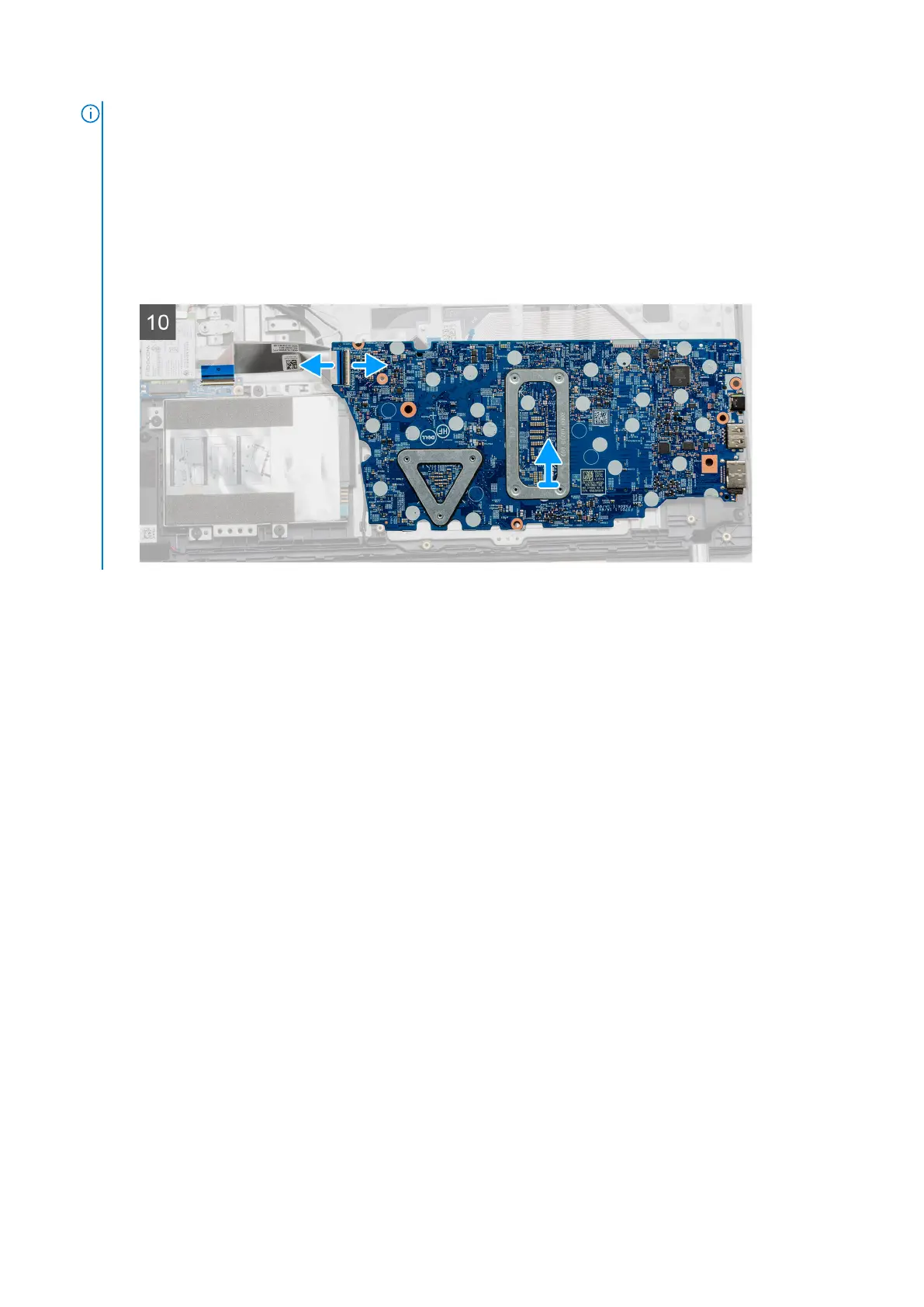
NOTE: For systems configured with a WWAN card, an additional cable must
be disconnected from under the system board, while flipping the board
over.
Installing the system board - UMA
Prerequisites
If you are replacing a component, remove the existing component before performing the installation procedure.
About this task
The figure indicates the location of the system board and provides a visual representation of the installation procedure.
Disassembly and reassembly
57



 To Next Page