80 │ Operating the monitor
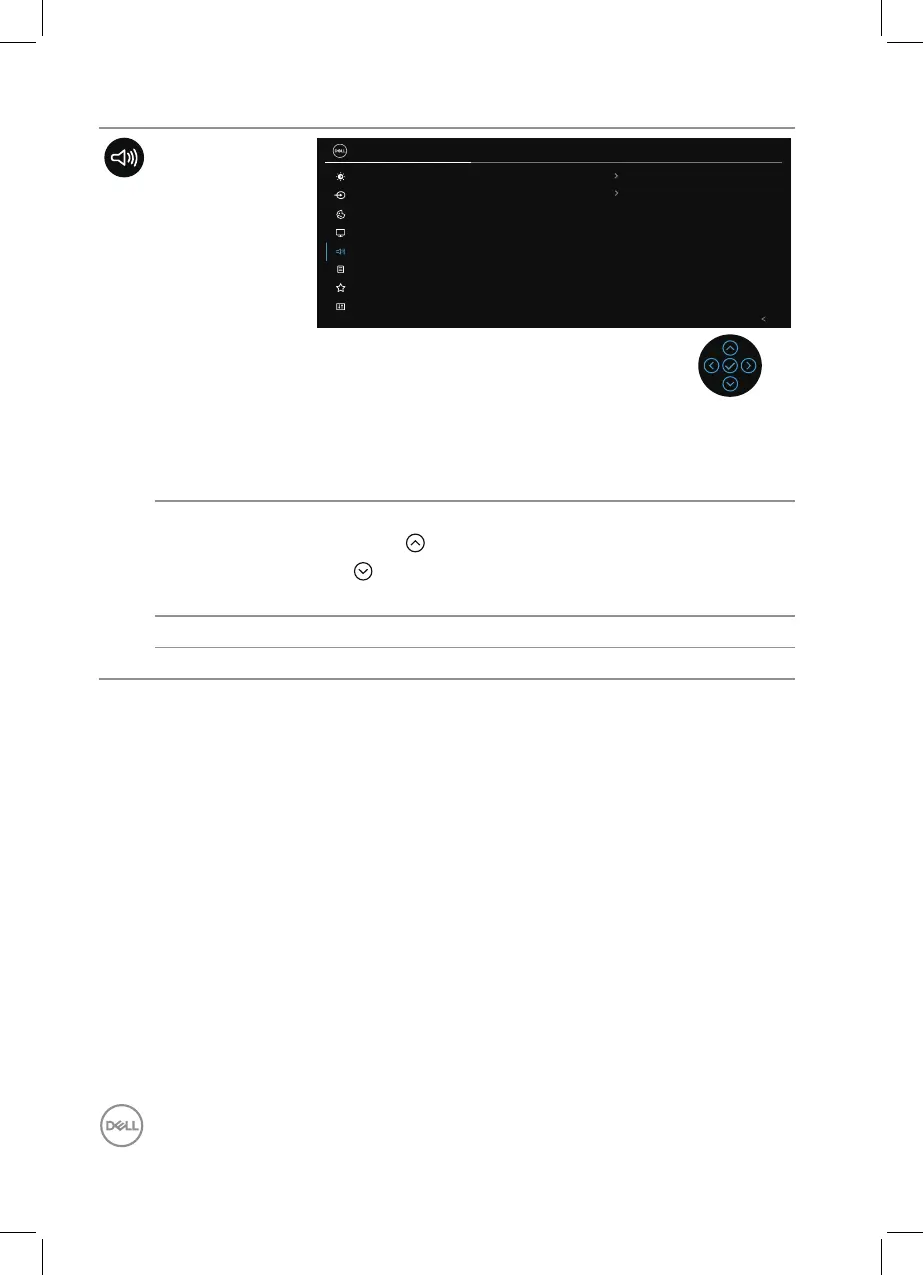
Audio
Brightness/Contrast
Input Source
24 Monitor
Color
Display
Exit
Volume
50
O
Speaker
Reset Audio
Audio
Menu
Personalize
Others
NOTE: The default status of the speaker is off
and users will need to enable them manually
via the OSD settings.
Volume Volume adjusts the volume level of audio output.
Press the direction to increase the volume and press
the direction to decrease the volume (min. 0% /
max. 100%).
Speaker Allows you to turn On or Off Speaker function.
Reset Audio Resets all audio settings to the factory preset values.



 To Next Page