Graphic options
This laptop is shipped with the Intel HD Graphics 520 graphics chipset.
Downloading drivers
1. Turn on the laptop.
2. Go to Dell.com/support.
3. Click Product Support, enter the Service Tag of your laptop, and then click Submit.
NOTE: If you do not have the Service Tag, use the auto detect feature or manually browse for your laptop model.
4. Click Drivers and Downloads.
5. Select the operating system installed on your laptop.
6. Scroll down the page and select the graphic driver to install.
7. Click Download File to download the graphic driver for your laptop.
8. After the download is complete, navigate to the folder where you saved the graphic driver file.
9. Double-click the graphic driver file icon and follow the instructions on the screen.
Identifying the display adapter
1. Start the Search Charm and select Settings.
2. Type Device Manager in the search box and tap Device Manager from the left pane.
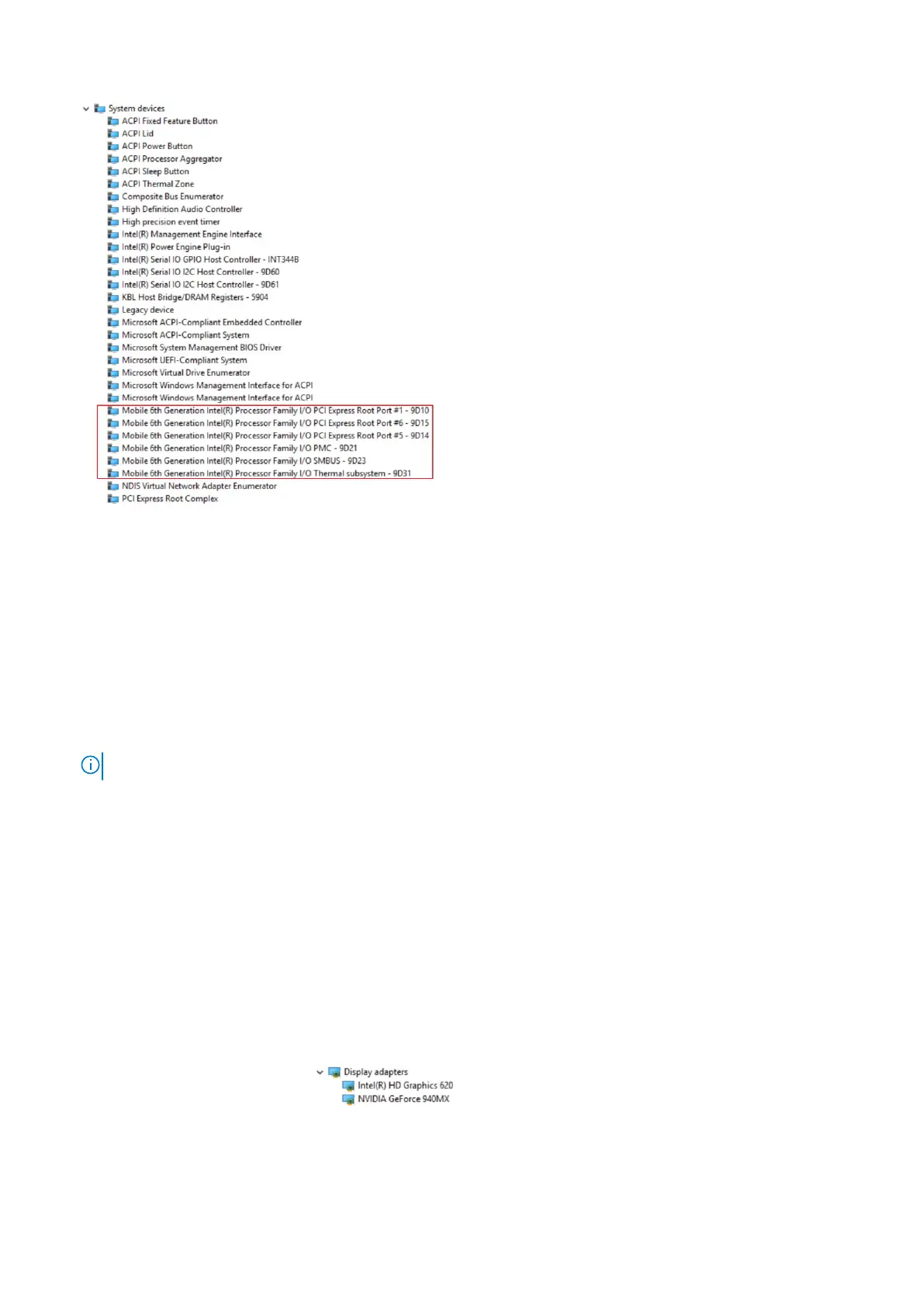
3. Expand Display adapters.
The display adapters are displayed.
Technology and components
47



 To Next Page