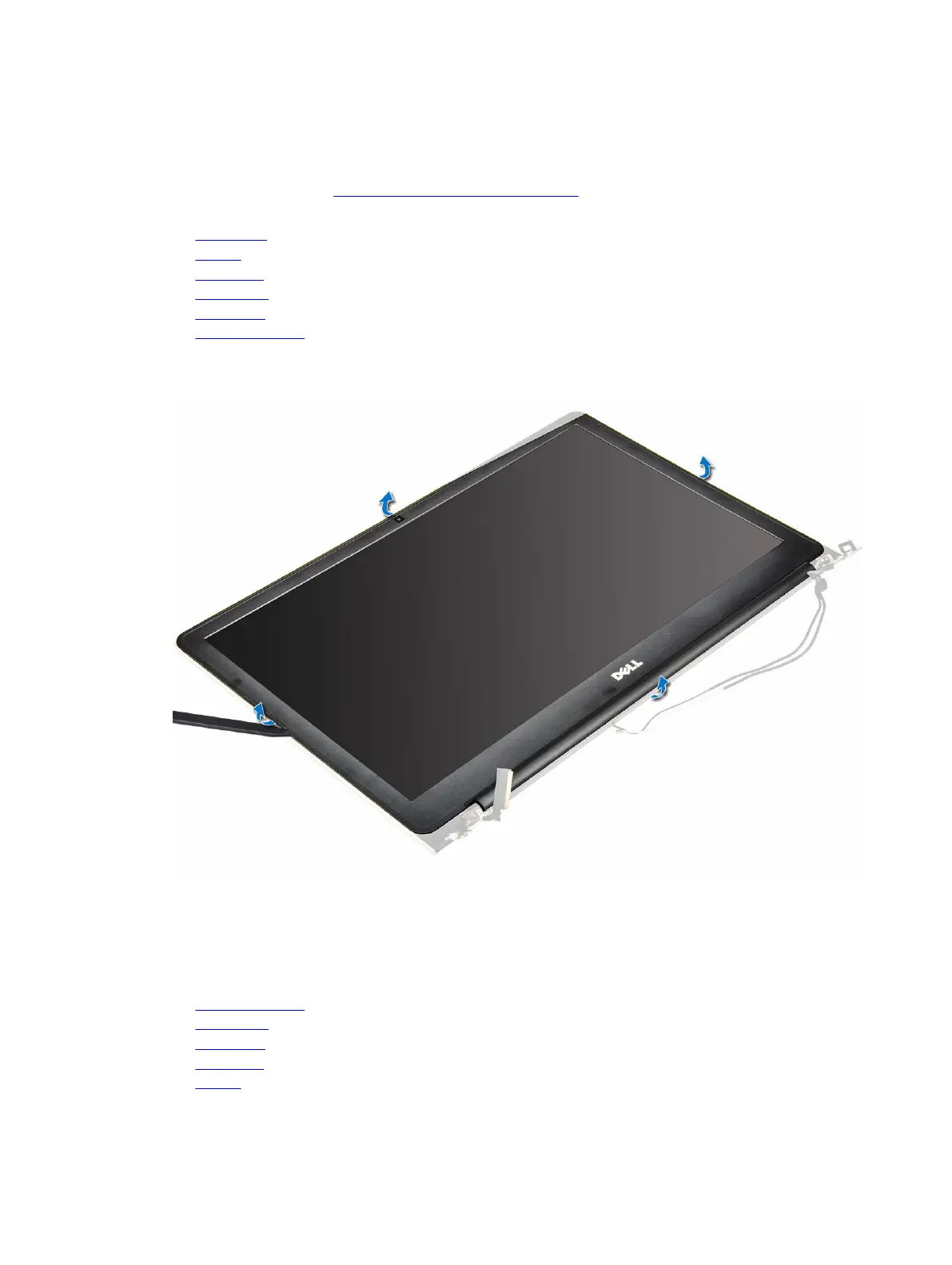
b. battery
c. WLAN card
d. LED board
e. system fan
f. display assembly
g. display bezel
h. display hinges
3. To remove the display :
a. Remove the screws that secure the display [1].
b. Lift the display panel and turn it over [2].
4. To remove the display:
a. Peel away the adhesive tape above the display connector [1].
b. Disconnect the display connector and remove the display from the display panel [2] [3].
40
Removing and installing components



 To Next Page