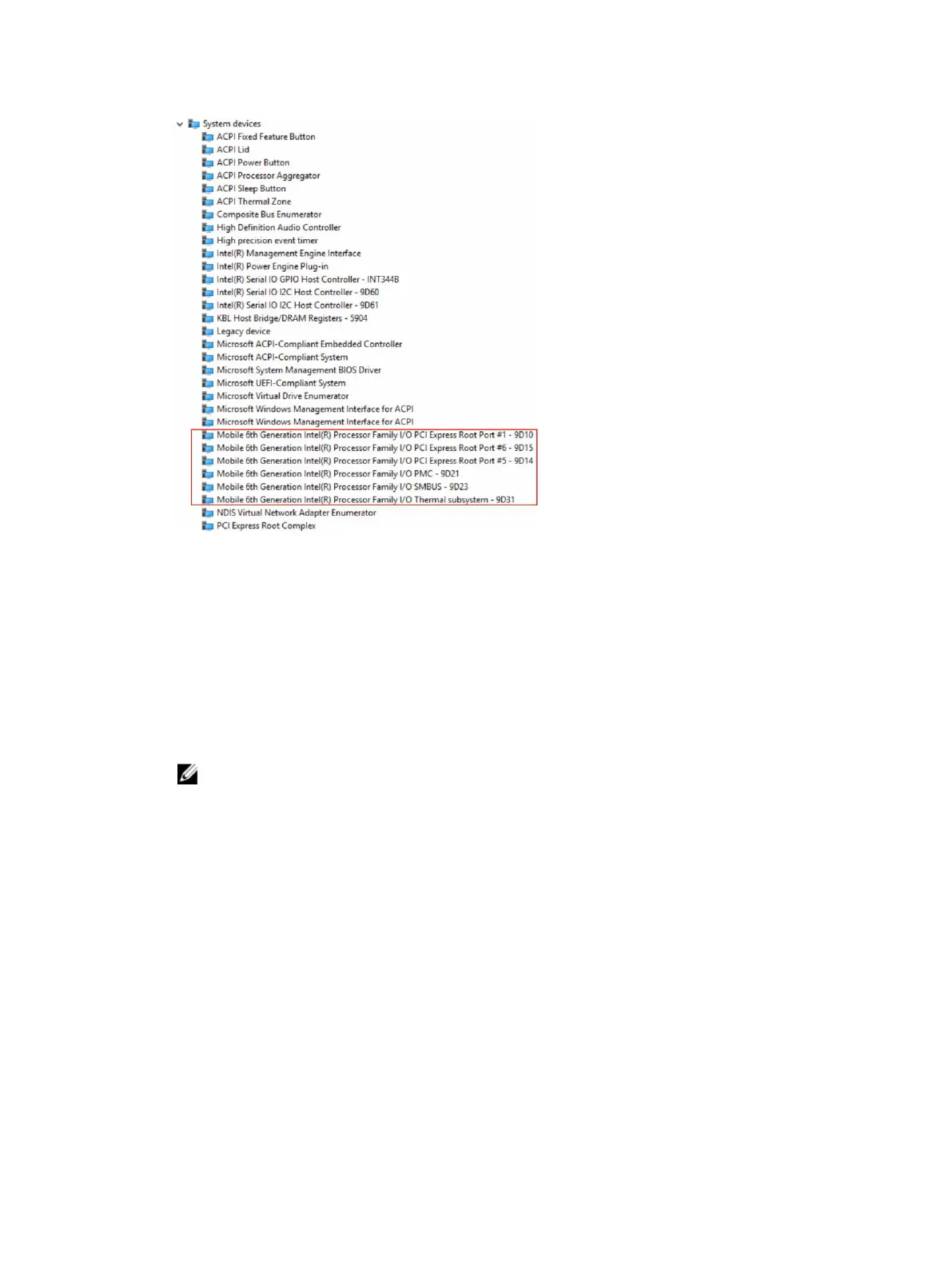
Identifying the camera in Device Manager on Windows 8
1. Start the Charms Bar from the desktop interface.
2. Select Control Panel.
3. Select Device Manager and expand Imaging devices.
Starting the camera
To start the camera, open an application that uses the camera. For instance, if you tap the Dell webcam central software or
the Skype software that is shipped with the laptop, the camera turns on. Similarly, if you are chatting on the internet and the
application requests to access the webcam, the webcam turns on.
Starting the camera application
1. Tap or click the Windows button and select All apps.
2. Select Camera from the apps list.
3. If the Camera App is not available in the apps list, search for it.
52
Technology and components



 To Next Page