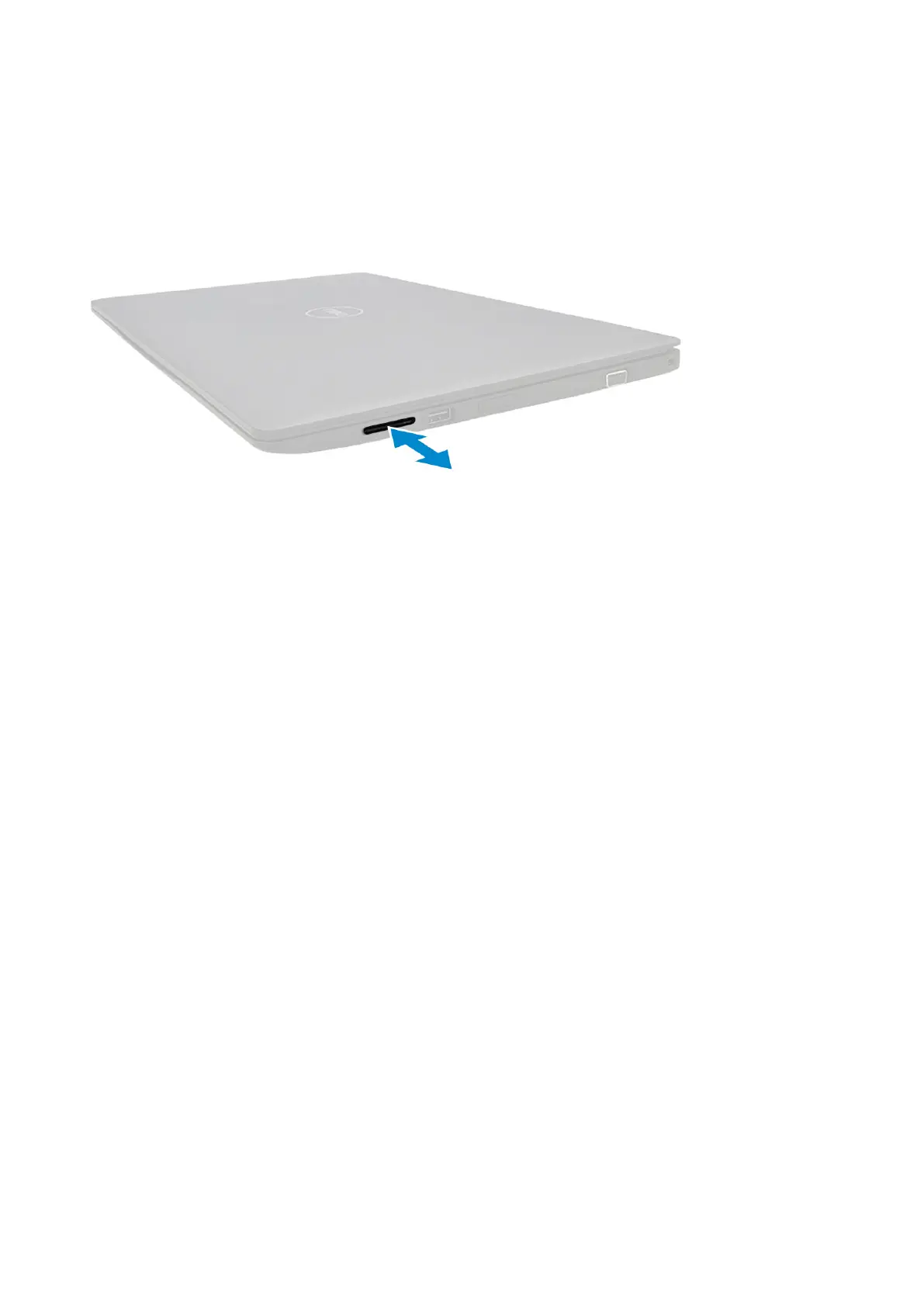
SD card
Removing the SD card
1. Follow the procedure Before working inside your computer
2. Pull the SD card to remove it from the system.
Installing the SD card
1. Push the SD card into its slot until the SD card gets secured.
2. Follow the procedure in After working inside your computer
Base Cover
Removing the base cover
1. Follow the procedure in Before working inside your computer
2. Remove the SIM tray (WWAN models):
3. Remove the SD card
4. To remove the base cover:
a. Loosen the 10 M2.5xL8.5 captive screws that secure the base cover to the computer .
Disassembly and reassembly
13





 To Next Page