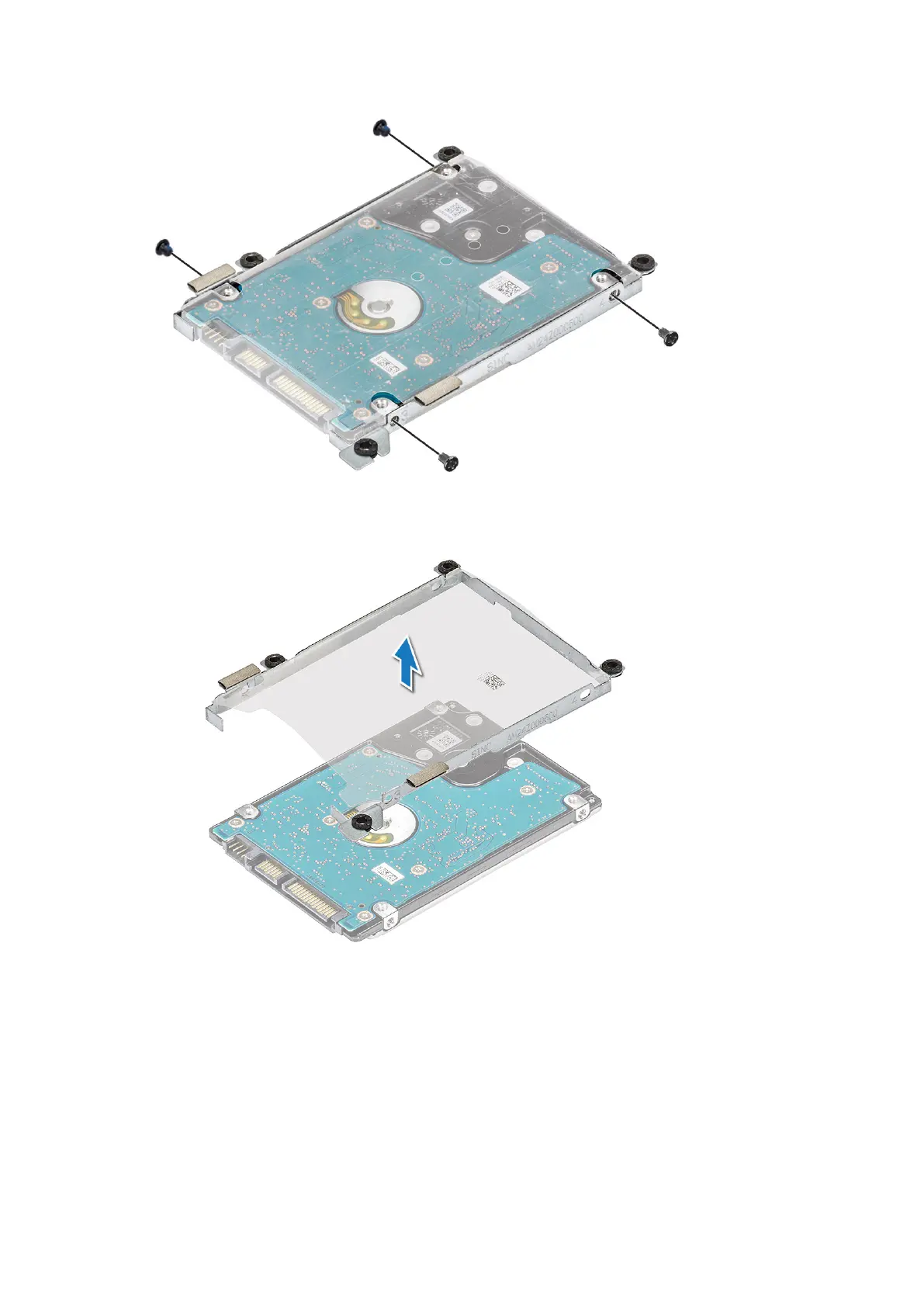
6. Lift the HDD bracket to remove it from the HDD.
Installing the hard disk drive
1. Tighten the M3xL3 screws that secure the bracket to the HDD.
2. Connect the HDD cable interposer.
3. Insert the HDD into the connector on the computer.
4. Tighten the 4 M2.0x5.5 screws to secure the HDD to the computer.
5. Route the hard drive cable underneath the bottom-right corner of the hard drive bracket and affix the adhesive tape to
secure the hard drive cable to the system board.
6. Connect the HDD cable to the system board.
30
Disassembly and reassembly





 To Next Page