Installing the system board
1. Connect the WWAN and VGA board cables to the connectors on the bottom side of the system board.
NOTE: This step is applicable only for systems shipped with WWAN card and VGA board reader.
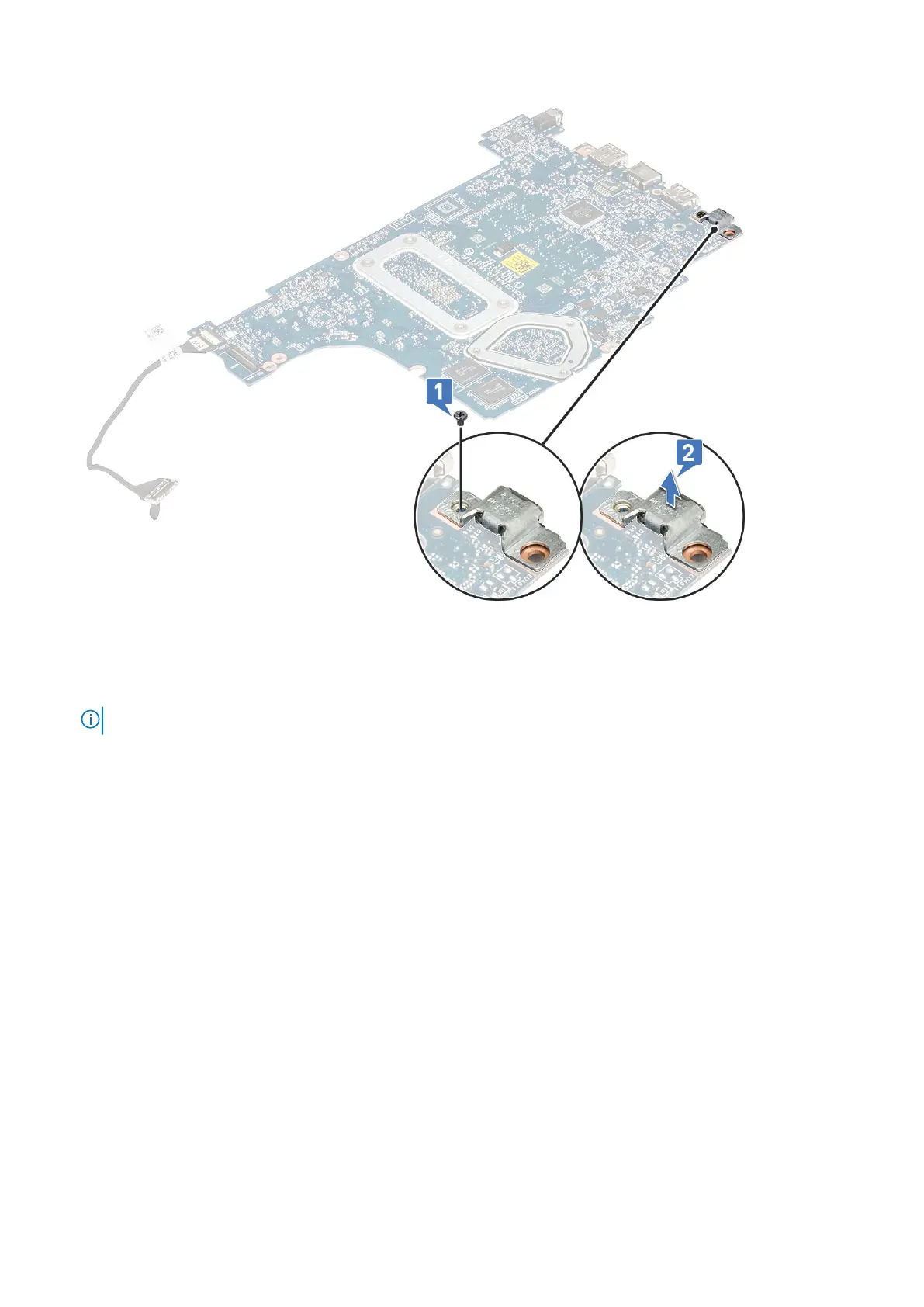
2. Align the system board with the screw holders on the computer.
3. Tighten the M2x4 screw to secure the system board to the computer.
4. Connect the Power button board, I/O, touchpad, keyboard backlight, and the keyboard cables to their respective
connectors.
5. Connect the DC-in, Speaker, and the VGA cables to their respective connectors.
6. Route the VGA cable through its routing channel.
7. Install the:
a. display assembly
b. WWAN card
c. WLAN card
d. fan
e. hard drive
f. M2. SSD
g. battery
h. base cover
8. Follow the procedure in After working inside your computer.
46
Disassembly and reassembly





 To Next Page