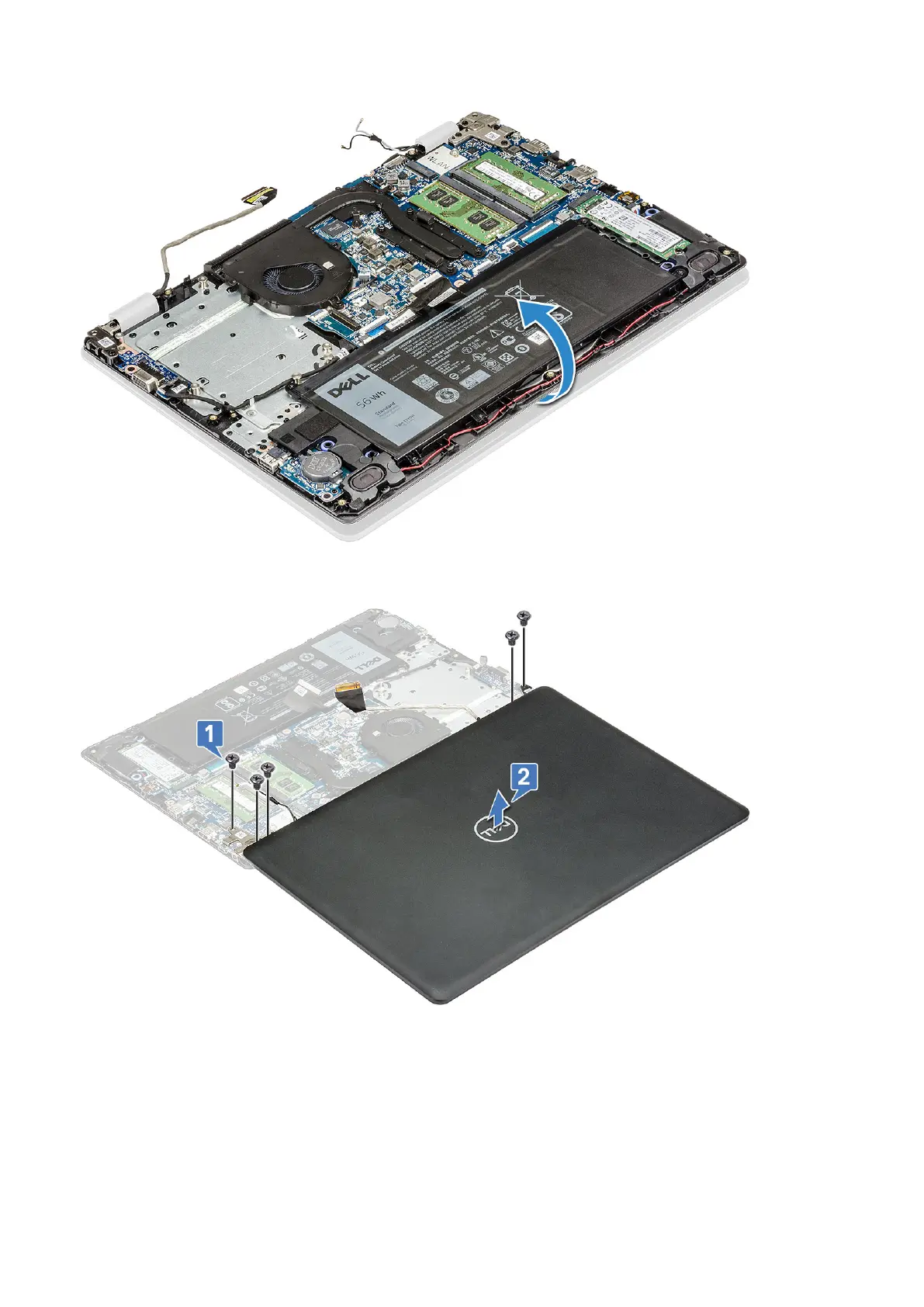
7. Remove the 5 M2.5x5 screws that secure the hinge brackets to palm rest [1] and lift the display assembly away from the
computer [2].
Installing the display assembly
1. Place the display assembly to align with the screw holders on the computer.
2. Replace the 5 M2.5x5 screws to secure the hinge brackets to palm rest.
3. Turn over the computer
4. Route the WLAN cables through the routing channel and secure the cables to the system with adhesive tape.
40
Disassembly and reassembly





 To Next Page