a. LCD panel
b. LCD bezel
c. display hinge cover
d. display assembly
e. WWAN
f. Installing the WLAN card on page 19
g. hard drive
h. battery
i. base cover
6. Follow the procedure in After working inside your computer
LCD Hinge
Removing the LCD hinge
1. Follow the procedure in Before working inside your computer.
2. Remove the:
a. base cover
b. battery
c. Removing the WLAN card on page 18
d. Removing the WWAN daughterboard on page 19
e. display assembly
f. LCD bezel
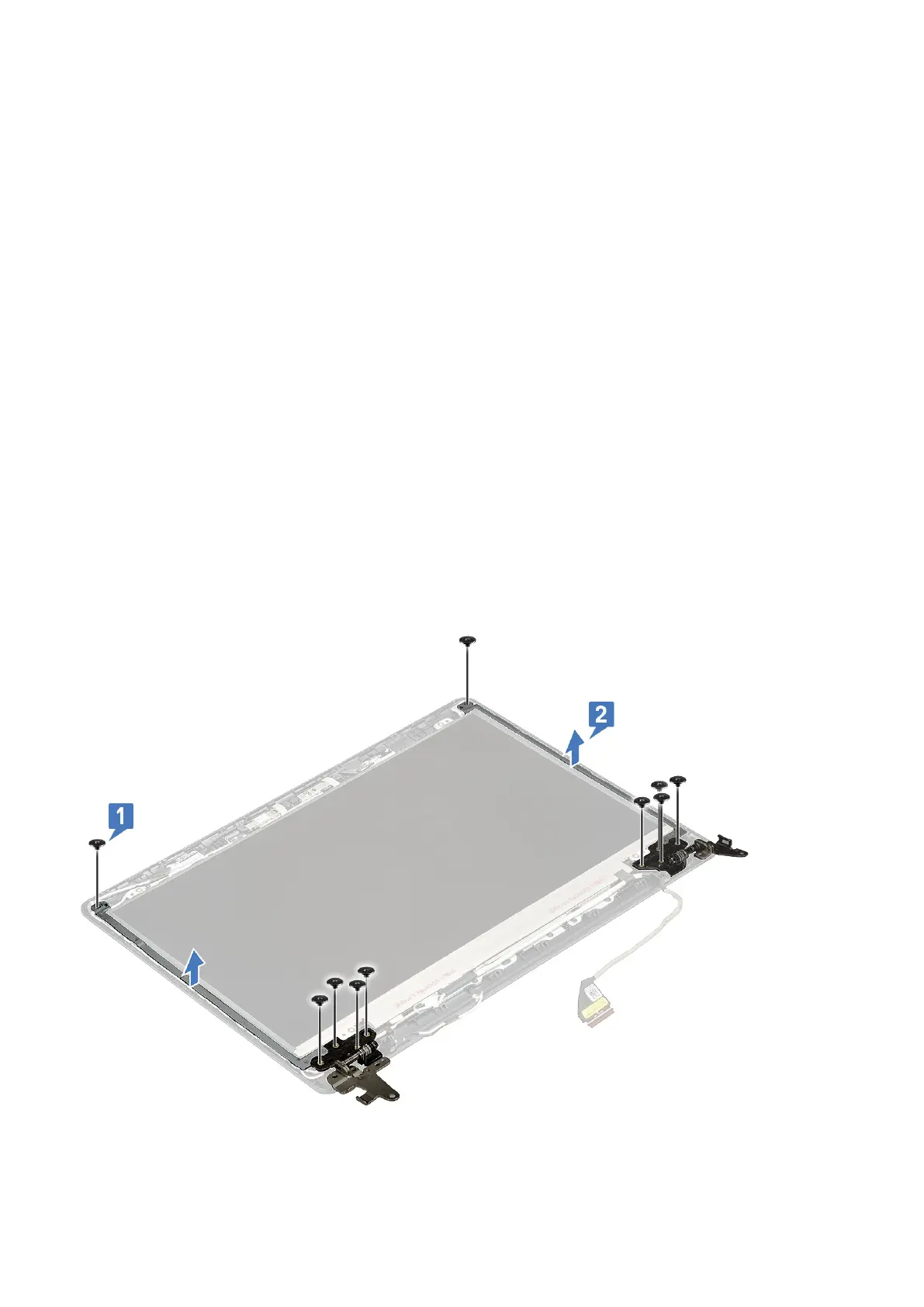
3. Remove the 10 M2.5x2.5 screws that secure the left and right hinge brackets to the LCD back cover [1] and remove it from
the system [2].
56
Disassembly and reassembly





 To Next Page