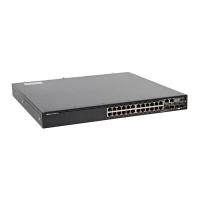
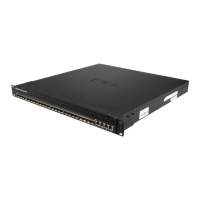
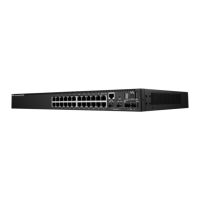
Table 2. S4128T-ON and S4148T-ON supported configurations(continued)
S4128T-ON S4148T-ON
28 x 10GT + 8 x 25G 48 x 10GT + 16 x 25G
28 x 10GT + 8 x 10G SFP+ 48 x 10GT + 24 x 10G SFP+
Table 3. S4148U-ON supported configurations
S4148U-ON Notes
24 x 10G + 24 x FC8 + 4 x 100G —
24 x 10G + 24 x FC16 + 4 x 100G All FC16 are oversubscribed.
24 x 10G + 12 x FC16 + 4 x 100G All FC16 linerate
24 x 10G + 40 x FC8 + 2 x 40G —
24 x 10G + 40 x FC16 24 out of 40 FC16 are oversubscribed.
24 x 10G + 28 x FC16 All FC16 linerate
24 x 10G + 12 x FC16 + 16 x FC32 All FC32 are oversubscribed.
48 x 10G + 4 X 100G —
48 x 10G + 6 x 40G —
48 x 10G + 8 x 50G —
48 x 10G + 16 x 25G —
72 x 10G —
The following table lists the S4100-ON Series I/O-side details:
Table 4. S4100-ON Series I/O-side details
Platform Description
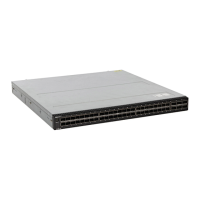
S4128F-ON
● 28 fixed 10GbE SFP+ ports
● Two fixed 100GbE QSFP28 ports
● Seven-segment stacking indicator.
● One micro-USB-B console port
● One USB type-A port
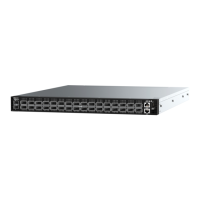
S4148F-ON
● 48 fixed 10GbE SFP+ ports
● Two fixed 40GbE QSFP+ ports
● Four fixed 100GbE QSFP28 ports
● Seven-segment stacking indicator.
● One micro-USB-B console port
● One USB type-A port
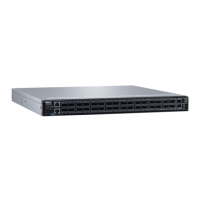
S4148FE-ON
● 48 fixed 10GbE SFP+ ports
● Two fixed 40GbE QSFP+ ports
● Four fixed 100GbE QSFP28 ports
● Seven-segment stacking indicator.
● One micro-USB-B console port
● One USB type-A port
● Support for LRM optics
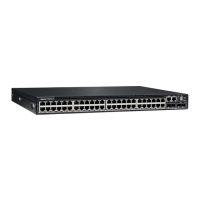
S4128T-ON
● 28 fixed 100M/1G/10GbE copper BaseT RJ45 ports
● Two fixed 100GbE QSFP28 ports
● Seven-segment stacking indicator.
● One micro-USB-B console port
● One USB type-A port
8 S4100–ON Series switch



 To Next Page
 Loading...