Replacing the Display Assembly
To replace the display assembly, perform the above steps in reverse order.
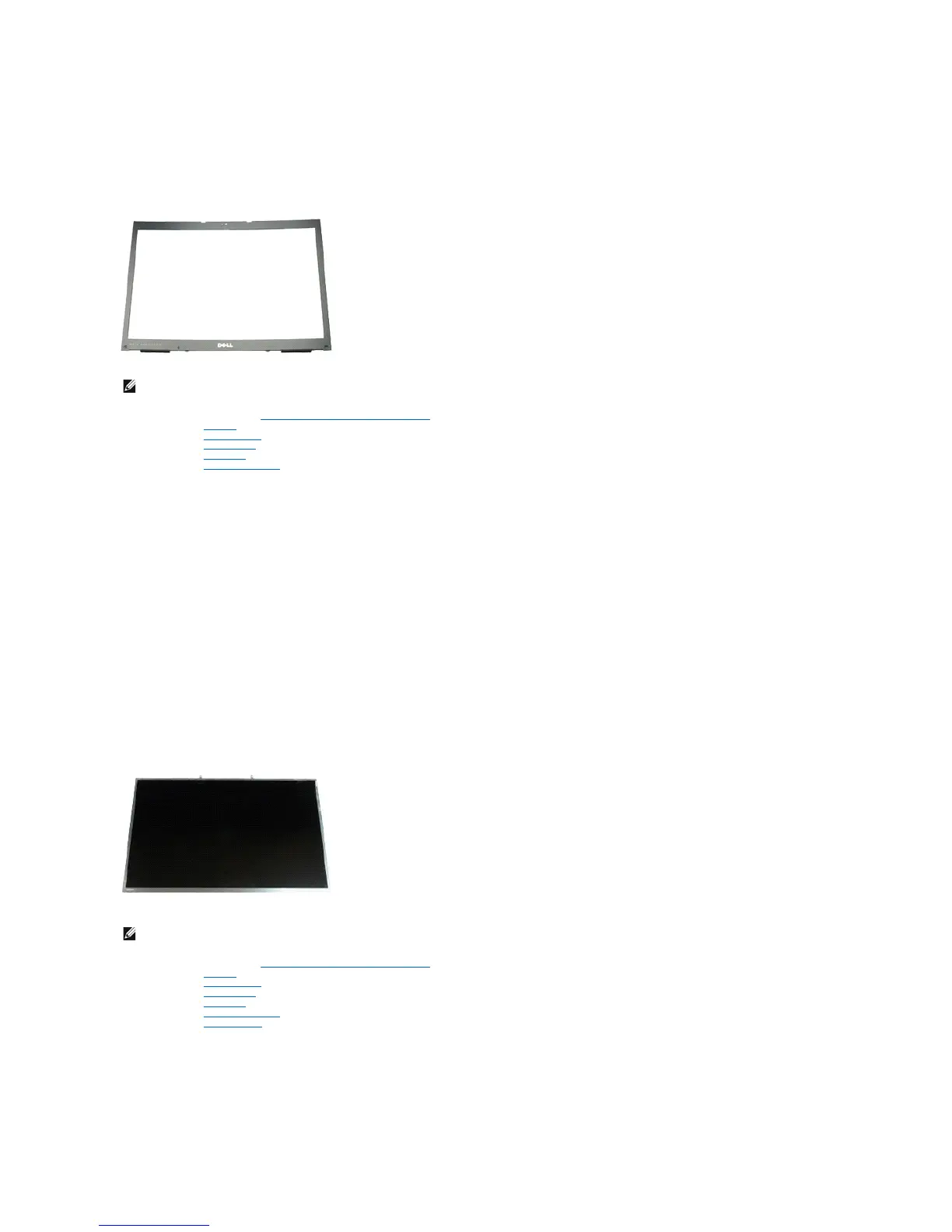
Removing the Display Bezel
1. Follow the procedures in Before Working Inside Your Computer.
2. Remove the battery.
3. Remove the access panel.
4. Remove the hinge cover.
5. Remove the keyboard.
6. Remove the display assembly.
7. Remove the screw covers from the display bezel.
8. Remove the screws that secure the display bezel to the display panel.
9. Gently pry the display bezel away from the display panel by rolling your fingers between the edge of the bezel and display panel.
10. Remove the display bezel from the display panel.
Replacing the Display Bezel
To replace the display bezel, perform the above steps in reverse order.
Removing the Display Panel
1. Follow the procedures in Before Working Inside Your Computer.
2. Remove the battery.
3. Remove the access panel.
4. Remove the hinge cover.
5. Remove the keyboard.
6. Remove the display assembly.
7. Remove the display bezel.
8. Remove the screws that secure the top of the display panel to the display assembly.
9. Remove the antenna cables that run along both sides of the display panel.















 To Next Page