112 Using Your Projector
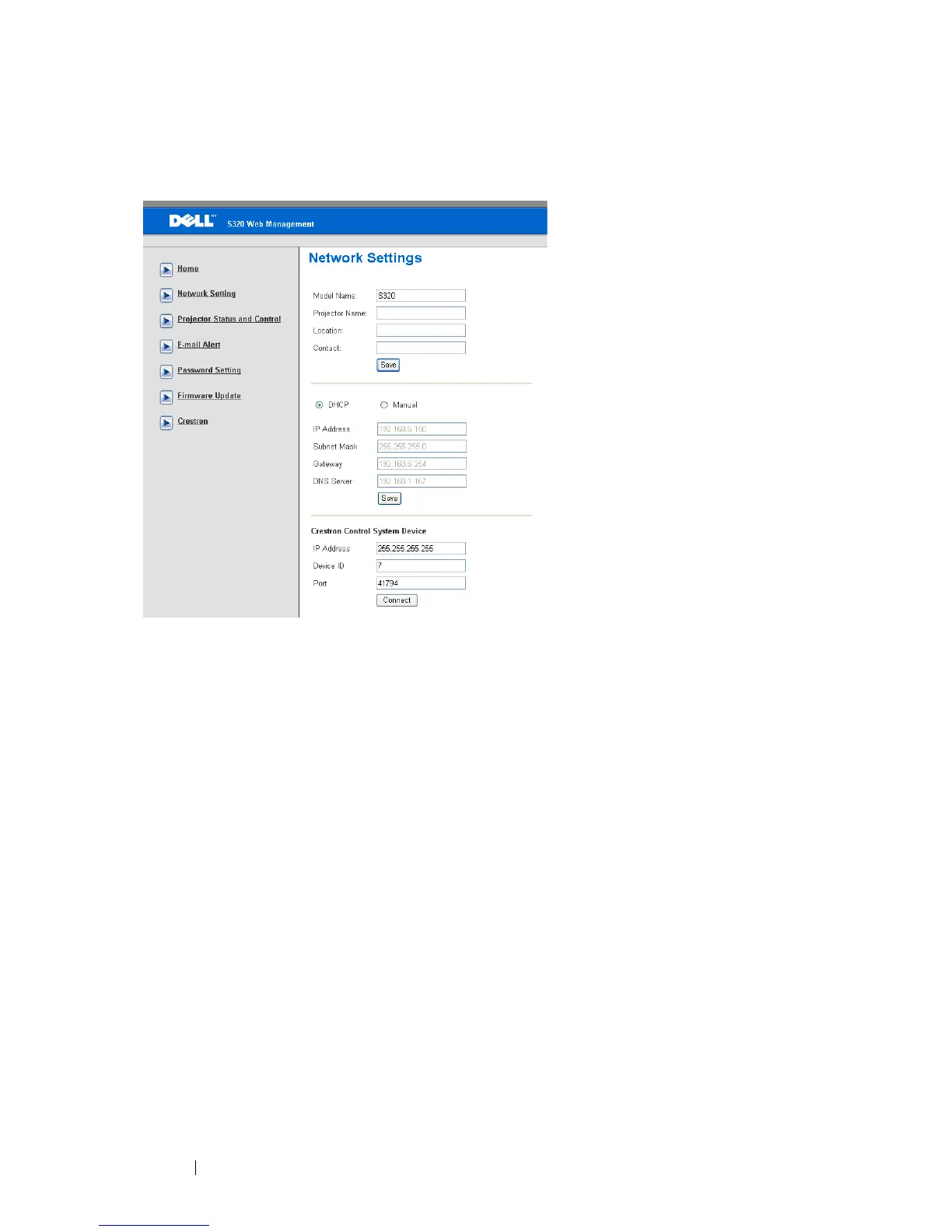
Network Settings
•Set up the Model Name, Projector Name, Location, and Contact
information (up to 21 characters for each field). Press Save to store the
settings.
• Choose DHCP to assign an IP address to the projector from a DHCP server
automatically, or Manual to assign an IP address manually.
•Set up the IP Address, Device ID, and Port information on the Crestron
function.





 To Next Page