Using Your Projector 91
Enable Wireless or LAN on the Projector
1
Install the optional wireless module kit (optional in S320). See "
Installing the
Optional Wireless Module Kit"
on page 14.
NOTE: If you select install the LAN module kit (optional), see "Installing the
Optional RJ45 Kit" on page 16.
2
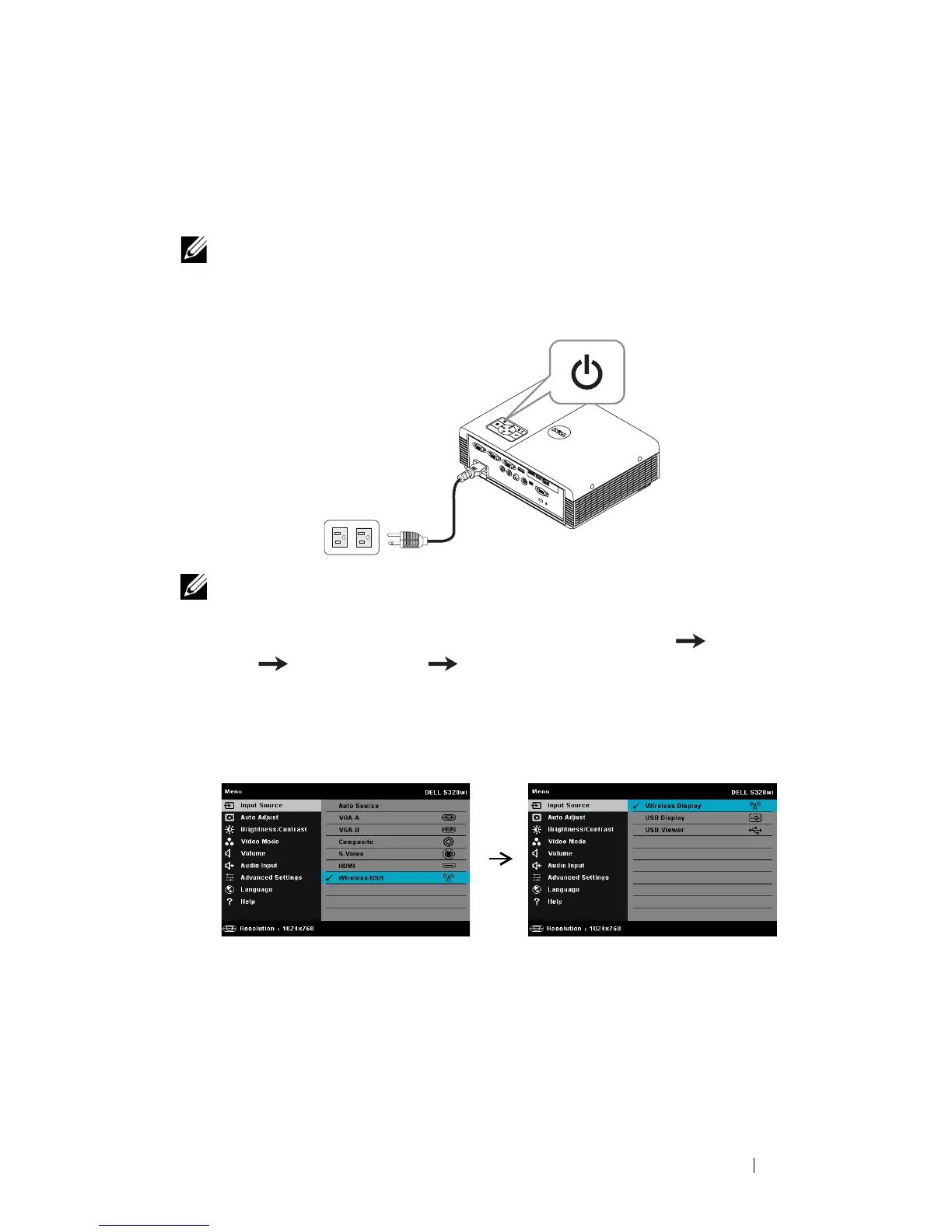
Connect the power cable and turn on the projector by pressing the power
button.
NOTE:
a
If the
LAN
is used for audio projection, follow these steps to enable Wireless
and LAN function (default is
Enabled
): Advanced Settings LAN Settings
Wireless and LAN Enabled.
b
If the
Wireless
is used for audio projector, please install a wireless dongle to
your projector.
3
Access the
Input Source
menu, select the
Wireless/USB
and then select the
Wireless Display
on the sub-menu.





 To Next Page