Using Your Projector 47
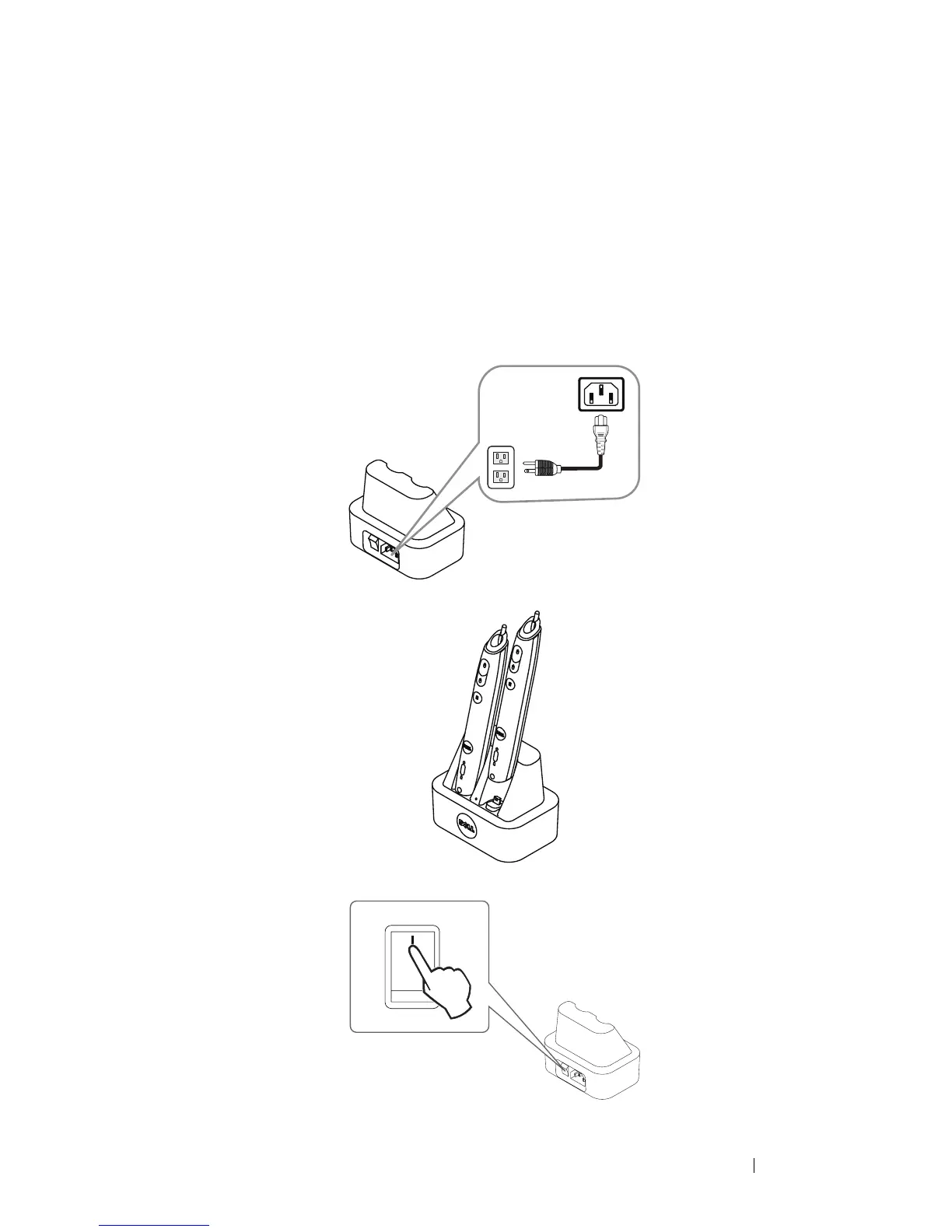
Charging the Interactive Pen Battery by
Docking Charger
When the Interactive Pen amber battery light starts to blink, its internal battery is
low (If the battery is fully discharged, you won't be able to turn the Interactive Pen
on by pressing its nib, left, right or set function buttons).
To charge the battery, you can follow the following steps:
1 Connect the power cable to the wall outlet.
2 Plug the Interactive Pen into the Mini USB port of the docking charger.
3 Turn On the power switch on the docking charger.





 To Next Page