Connecting Your Projector 21
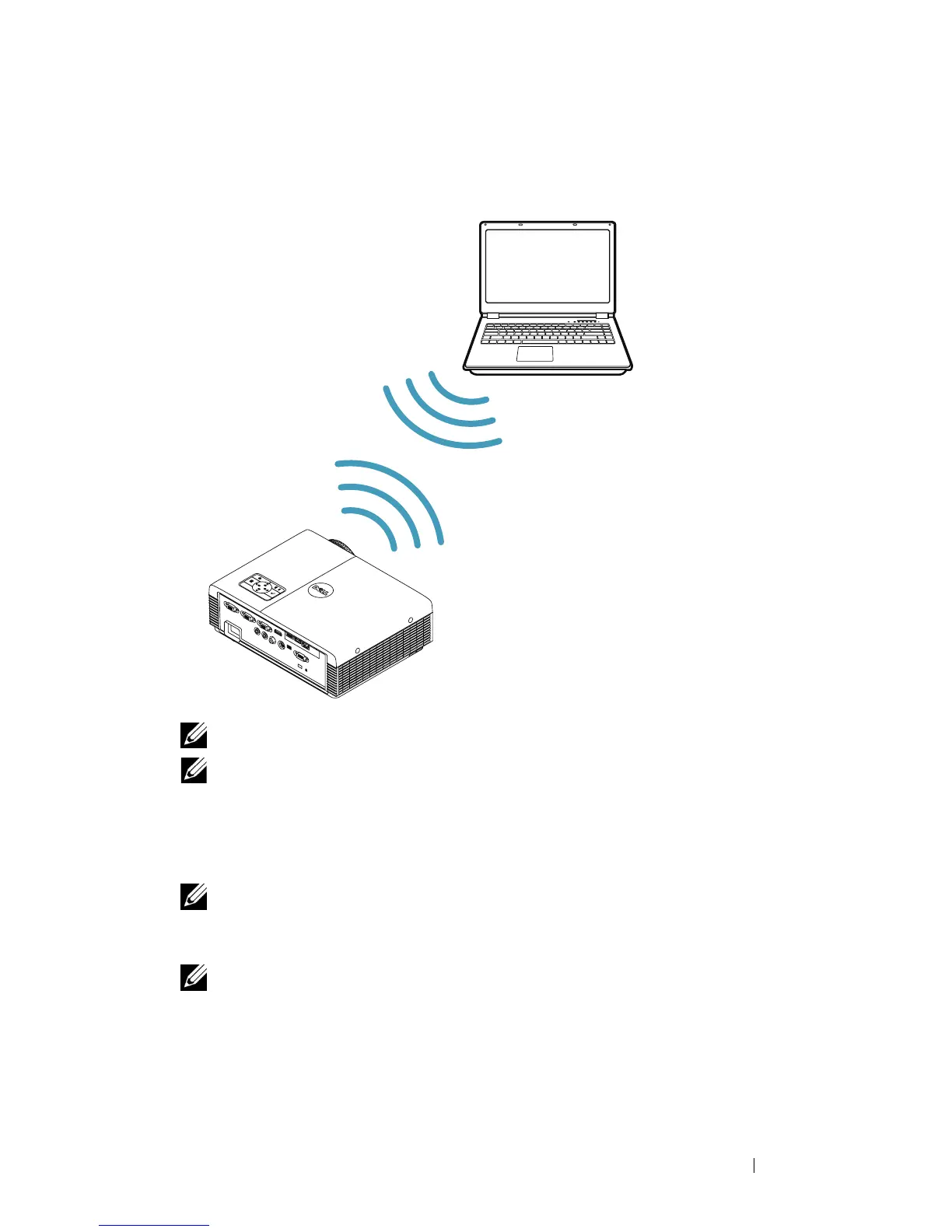
Connecting a Computer Using Wireless Dongle (Optional)
NOTE: A USB wireless dongle is embedded in the Dell S320wi.
NOTE: Wireless functionality is an optional feature on the Dell S320. If you
would like to include wireless functionality, please install a wireless module
and a USB wireless dongle into your Dell S320. See step-by-step installation
guide on page 13. Wireless modules and USB wireless dongles are available
and sold separately on www.dell.com.
NOTE: Your computer should be equipped with a wireless connector and
properly configured to detect another wireless connection. Refer to your
computer’s documentation on how to configure a wireless connection.
NOTE: Your projector must must have the wireless dongle installed if you want
to use wireless networking. Refer to "Wireless Networking Installation" on
page 74.





 To Next Page