Using Your Projector 53
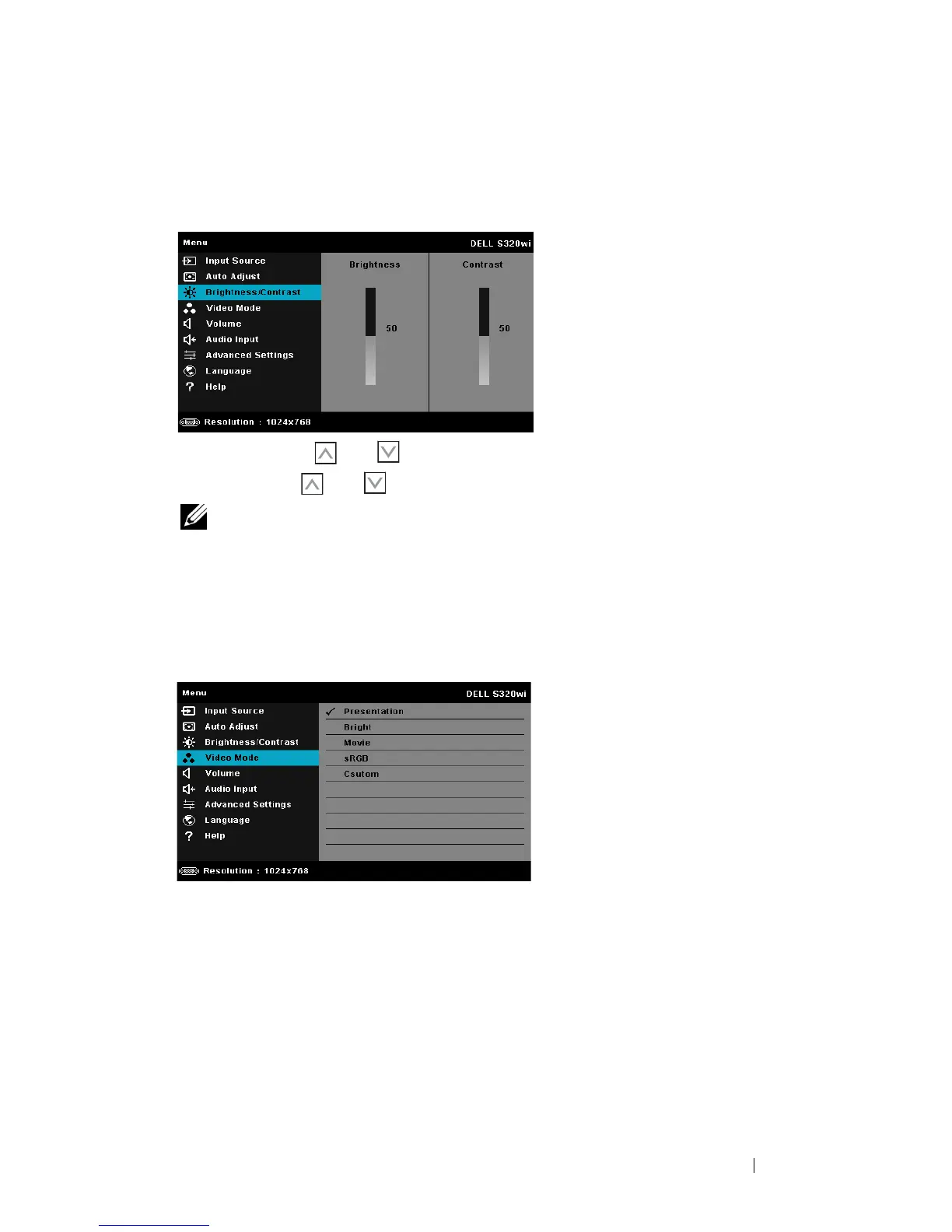
BRIGHTNESS/CONTRAST
The Brightness/Contrast menu allows you adjust the brightness/contrast settings
of your projector.
B
RIGHTNESS—Use
and
to adjust the brightness of the image.
C
ONTRAST—Use
and
to adjust the display contrast.
NOTE: If you adjust the settings for Brightness and Contrast the projector
automatically switch to Custom mode.
VIDEO MODE
The Video Mode menu allows you to optimize the display image: Presentation,
Bright, Movie, sRGB (provides more accurate color representation), and Custom
(set your preferred settings).





 To Next Page