86 Using Your Projector
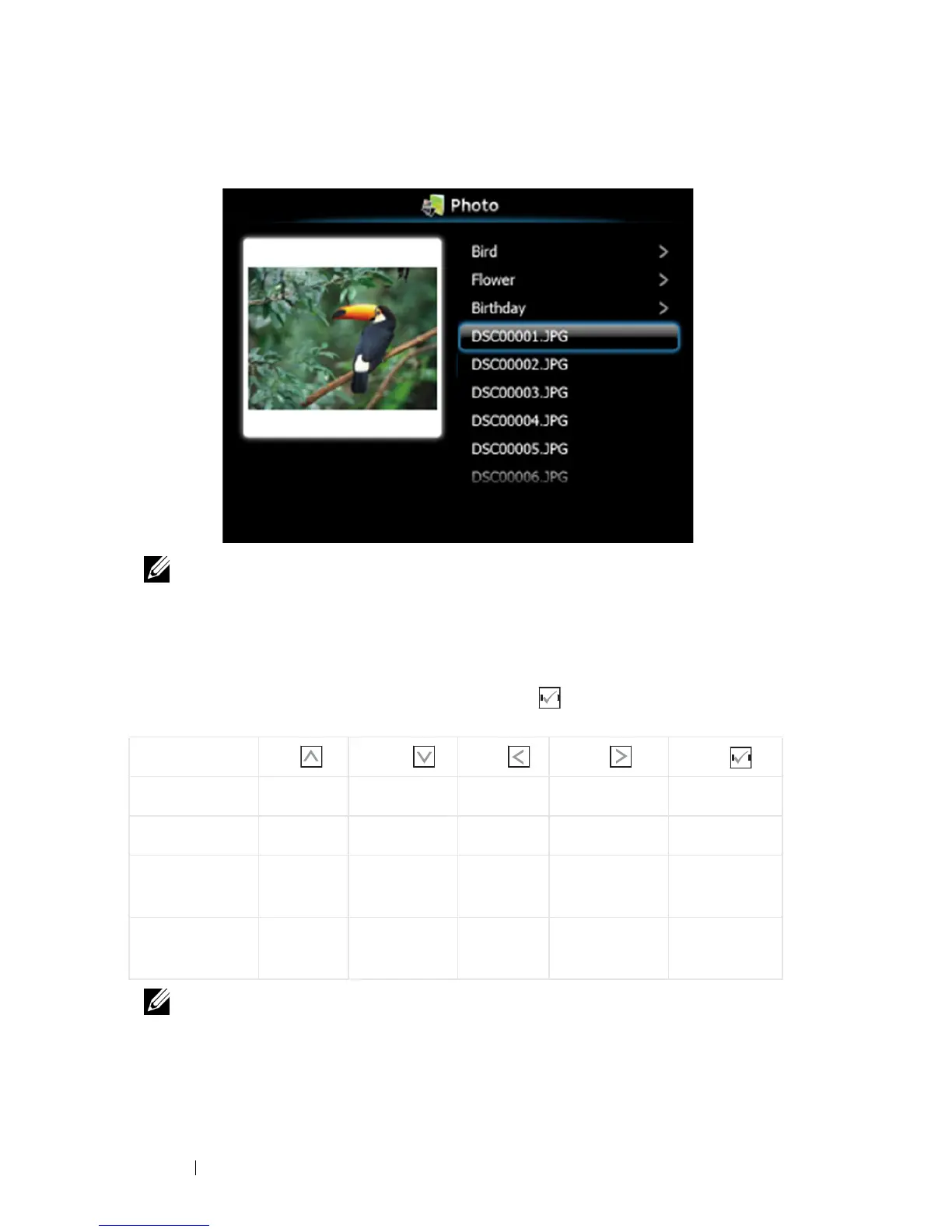
Photo Overview
NOTE: Supports 14 languages of photo files name format (Languages: English,
Dutch, French, German, Italian, Japanese, Korean, Polish, Portuguese, Russian,
Simplified Chinese, Spanish, Swedish, and Traditional Chinese).
Buttons Introduction
Use the up, down, and left buttons to navigate and button on your projector's
control panel or remote control to select.
NOTE: If you enter the OSD menu while using PtG, PtG navigation by the up,
down, and left buttons will not function.
Button Up Down Left Right Enter
PtG function Up Down Back No function Enter
PtG Playback Pre Page Next Page Back No function Next Pause
Photo
function
Up Down Back No function Enter
Photo
Playback
Pre Page Next Page Back No function No
function





 To Next Page