92 Using Your Projector
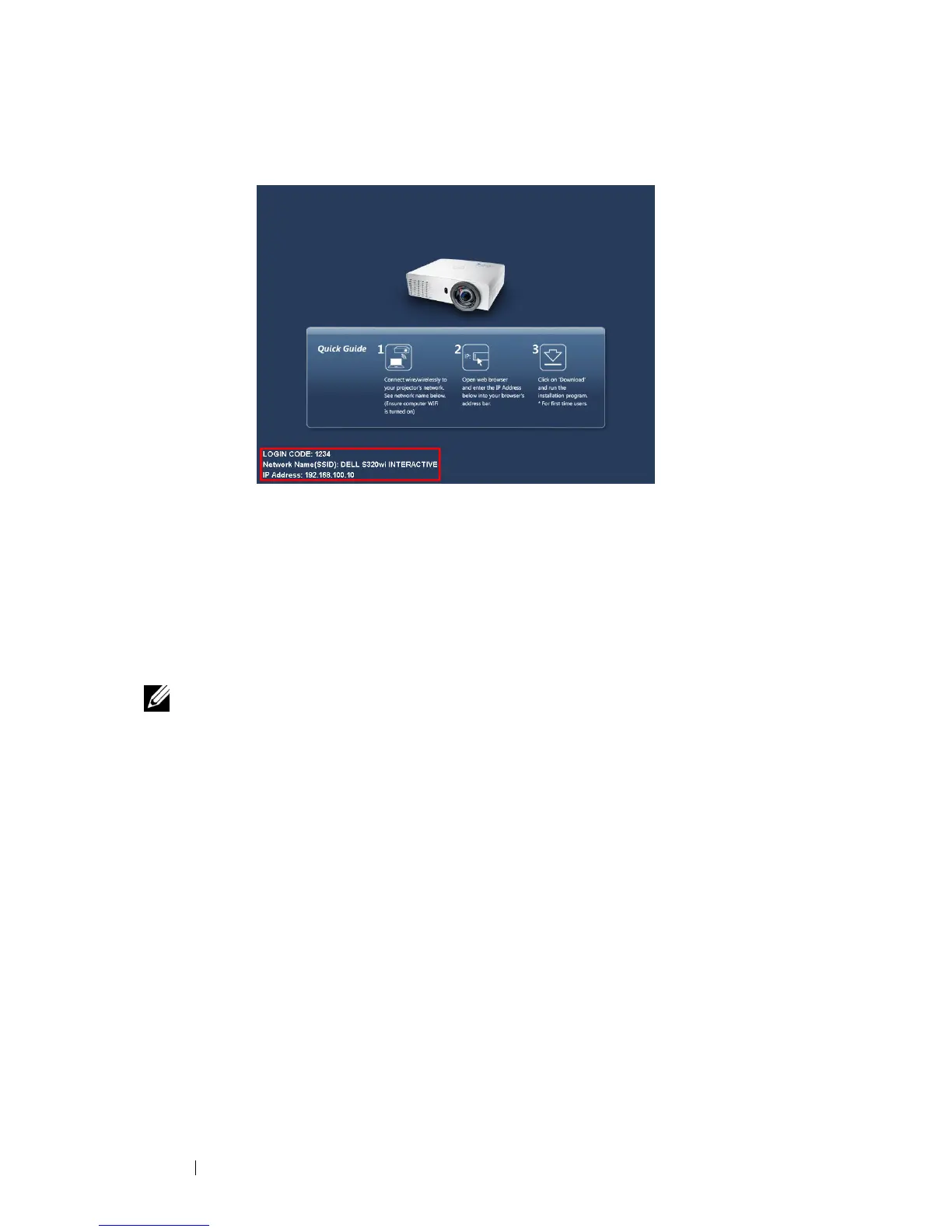
The Wireless Guide Screen shown below appears:
4
Take note of the
LOGIN CODE
,
NETWORK NAME (SSID)
, and
IP
ADDRESS
. You will need these information to log in later.
Install the Wireless Application Software on Your Computer
5
"Wireless Application Software" is required if the Wireless or LAN is used for
the Audio Projection set-up. Please download and install the software the first
time you use Audio Projection. If it is already installed, skip
Step 5 - 6
.
NOTE: You only need to install the "Wireless Application Software" once.
6
Wireless Application Software download and install steps refer to steps 7 to 12
of the "Wireless Networking Installation" on page 74.





 To Next Page