32 Using Your Projector
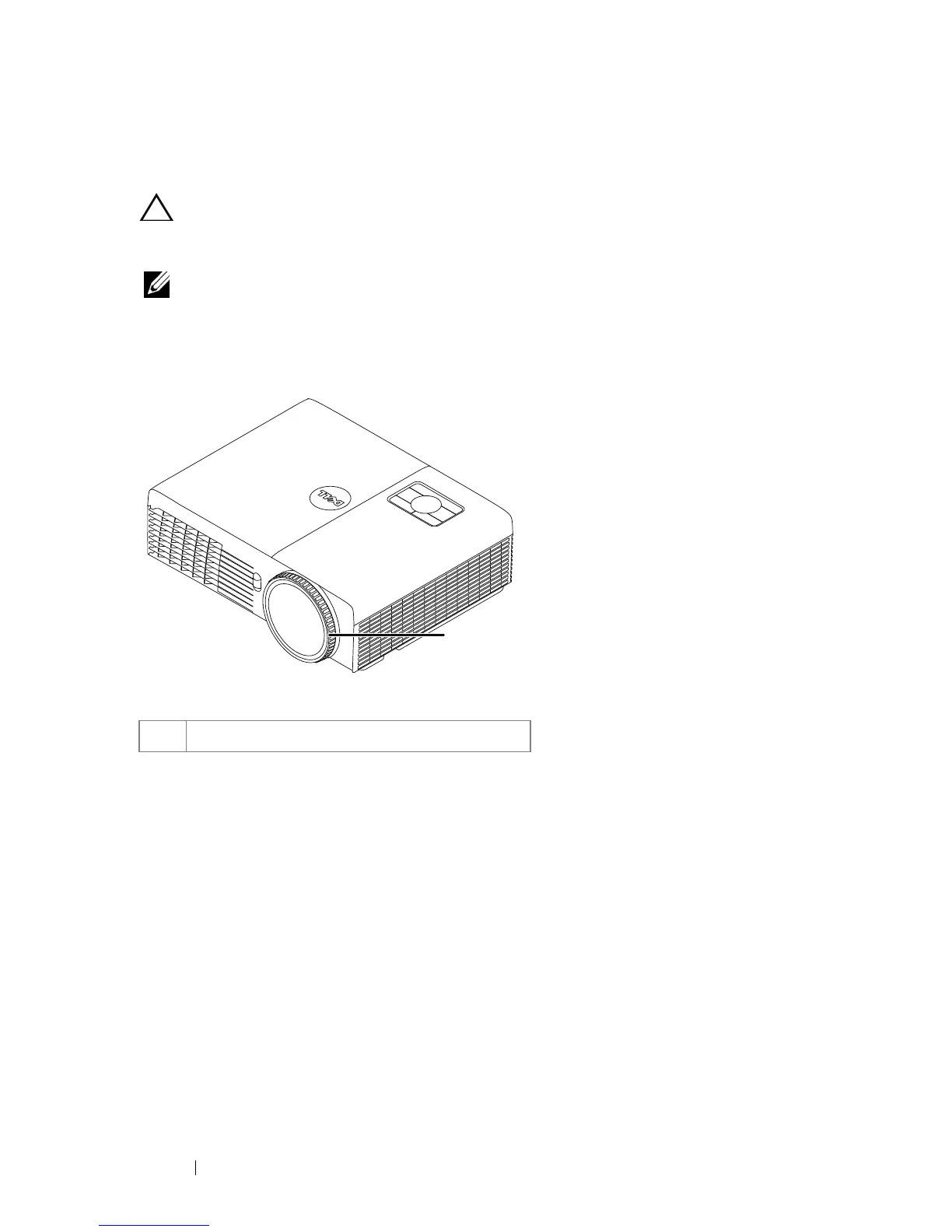
Adjusting the Projector Focus
CAUTION: To avoid damaging the projector, ensure that the front tilt
adjustment wheel is fully retracted before moving the projector or placing the
projector in its carrying case.
NOTE: The carrying case is not shipped with your projector. You can purchase
the carrying case (P/N: 8R3VM) on the Dell website at www.dell.com.
1 Rotate the focus tab until the image is clear. The projector focuses at distances
ranging between 1.31 ft to 12.5 ft (0.4 m to 3.82 m).
1 Focus ring
1





 To Next Page