54 Using Your Projector
VOLUME
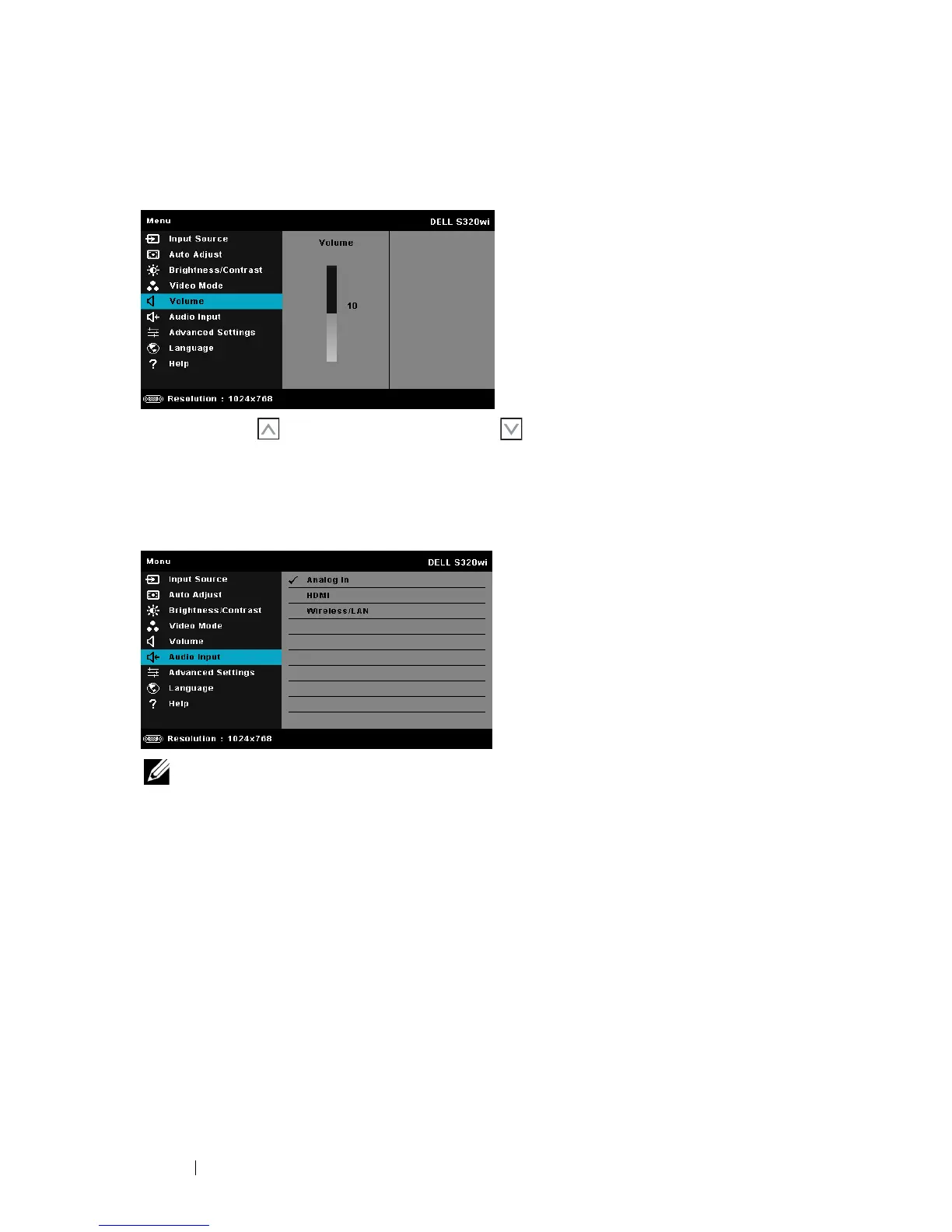
The Volume menu allows you adjust the volume settings of your projector.
V
OLUME—Press to increase the volume and to decrease the volume.
AUDIO INPUT
The Audio Input menu allows you to select your audio input source. The options
are: Analog In, HDMI, and Wireless/LAN.
NOTE: Avoid line input signal from plugging into microphone port. Otherwise,
user may listen to noises from speakers due to clamping and distortion of audio
signal.





 To Next Page