Using Your Projector 77
•
When you connect to the S320 or S320wi wireless network, you will lose
wireless connectivity with other wireless networks.
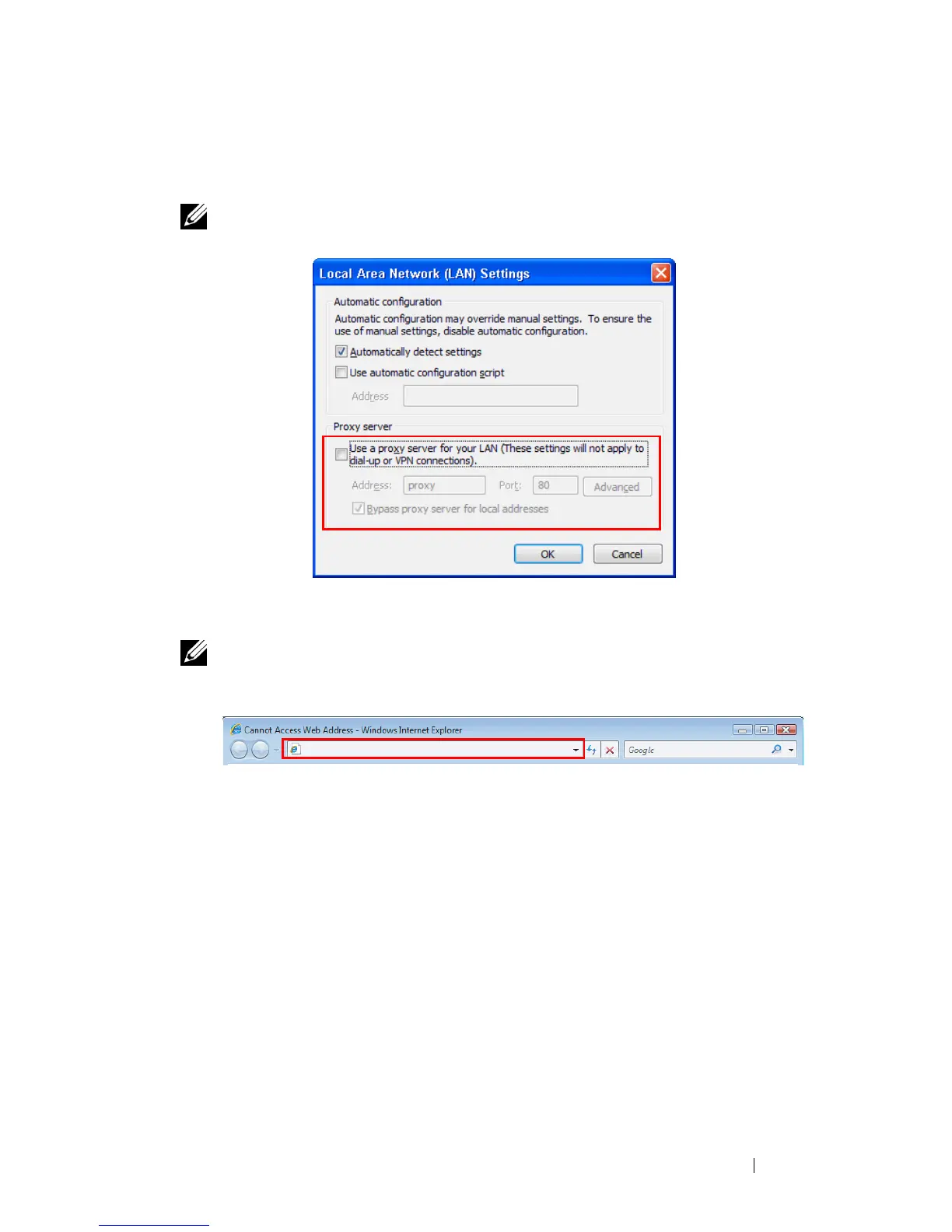
NOTE: Remember to turn off all proxies. (In Microsoft
®
Windows Vista: Click
Control Panel J Internet Options J Connections J LAN Settings)
7 Open your internet browser. You will be automatically directed to the S320
or S320wi Web Management web page.
NOTE: If the web page does not load automatically, enter the IP address
(default IP address is 192.168.100.10) noted from the projector’s screen in the
browser’s address bar.





 To Next Page