Paper feed problems
Jammed pages are not reprinted
Action Yes No
Turn on Jam Recovery.
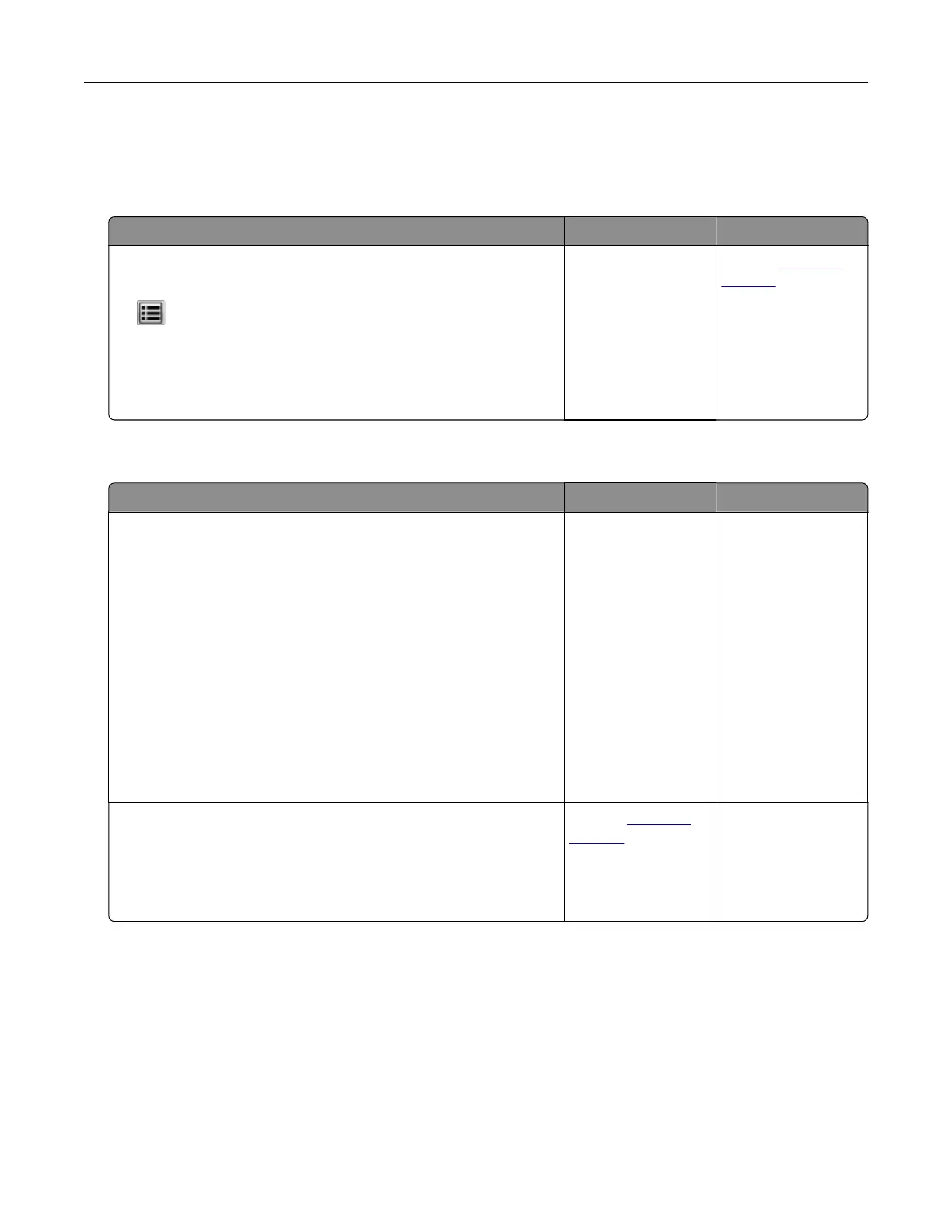
a From the home screen, navigate to:
> Settings > General Settings > Print Recovery
b From the Jam Recovery menu, select On or Auto.
c Save your changes.
Do pages reprint after a jam?
The problem is
solved.
Contact
technical
support.
Paper frequently jams
Action Yes No
Step 1
a Pull out the tray.
b Check if the paper is loaded correctly.
Notes:
• Make sure that the paper guides are positioned correctly.
• Make sure that the stack height is below the maximum
paper fill indicator.
• Make sure to print on recommended paper size and type.
c Insert the tray.
d Print the document.
Do paper jams still occur frequently?
Go to step 2. The problem is
solved.
Step 2
a Load paper from a fresh package.
b Print the document.
Do paper jams still occur frequently?
Contact
technical
support.
The problem is
solved.
Troubleshooting 194



 To Next Page