Printing from a flash drive
Printing from a flash drive
Notes:
• Before printing an encrypted PDF file, you will be prompted to type the file password from the printer
control panel.
• You cannot print files for which you do not have printing permissions.
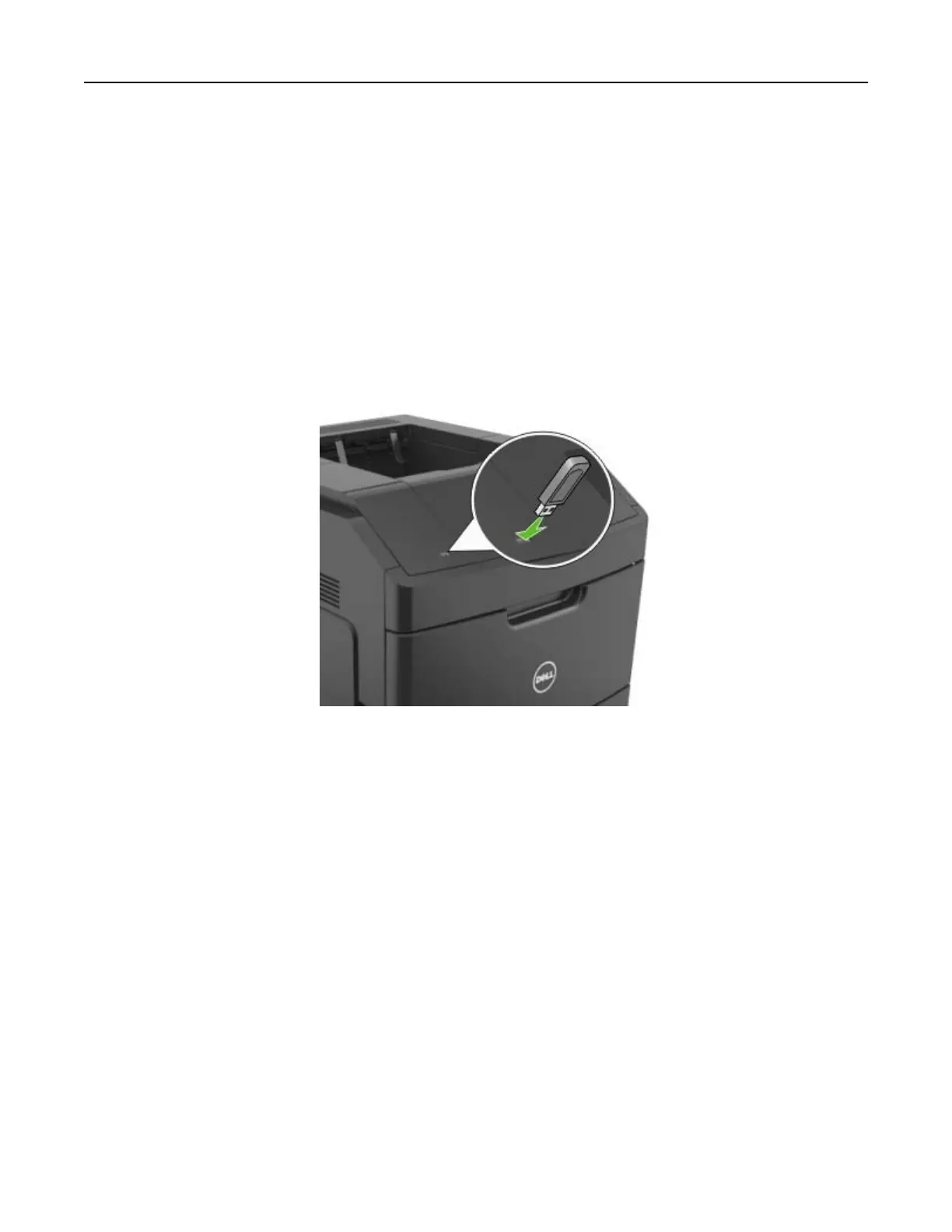
1 Insert a
flash
drive into the USB port.
Notes:
• A
flash
drive icon appears on the printer home screen when a
flash
drive is inserted.
• If you insert the flash drive when the printer requires attention, such as when a jam has occurred,
then the printer ignores the flash drive.
• If you insert the flash drive while the printer is processing other print jobs, then Busy appears. After
these print jobs are processed, you may need to view the held jobs list to print documents from the
flash drive.
Warning—Potential Damage: Do not touch the printer or the
flash
drive in the area shown while actively
printing, reading, or writing from the memory device. Loss of data can occur.
Printing 77



 To Next Page