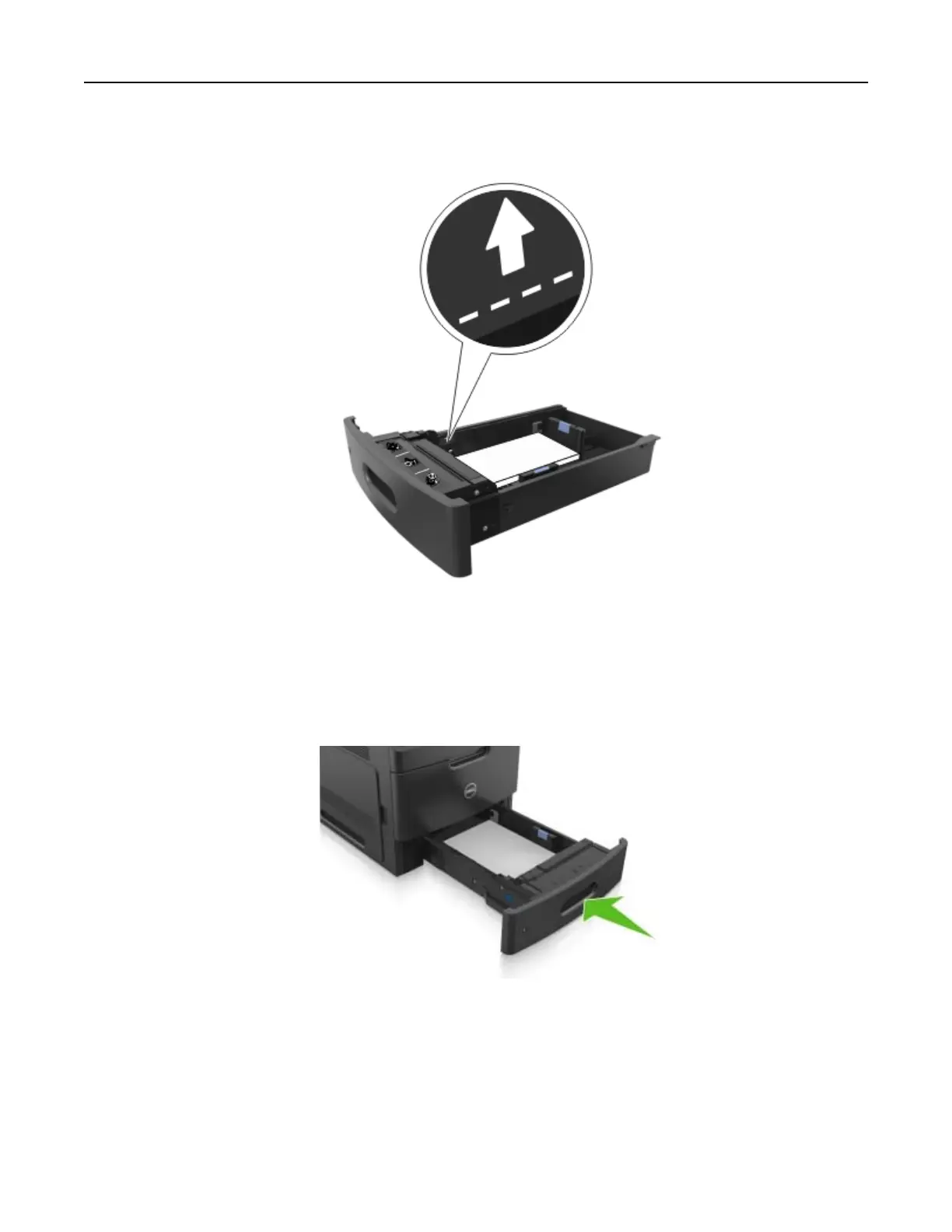
• When using card stock, labels, or other types of specialty media, make sure the paper is below the
dashed line, which is the alternate paper
fill
indicator.
6 For custom‑ or Universal‑size paper, adjust the paper guides to lightly touch the sides of the stack, and then
lock the length guide.
7 Insert the tray.
8 From the printer control panel, set the paper size and paper type in the Paper menu to match the paper
loaded in the tray.
Note: Set the correct paper size and type to avoid paper jams and print quality problems.
Loading paper and specialty media 53



 To Next Page