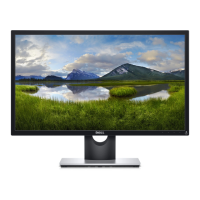
Disassembly and reassembly 25
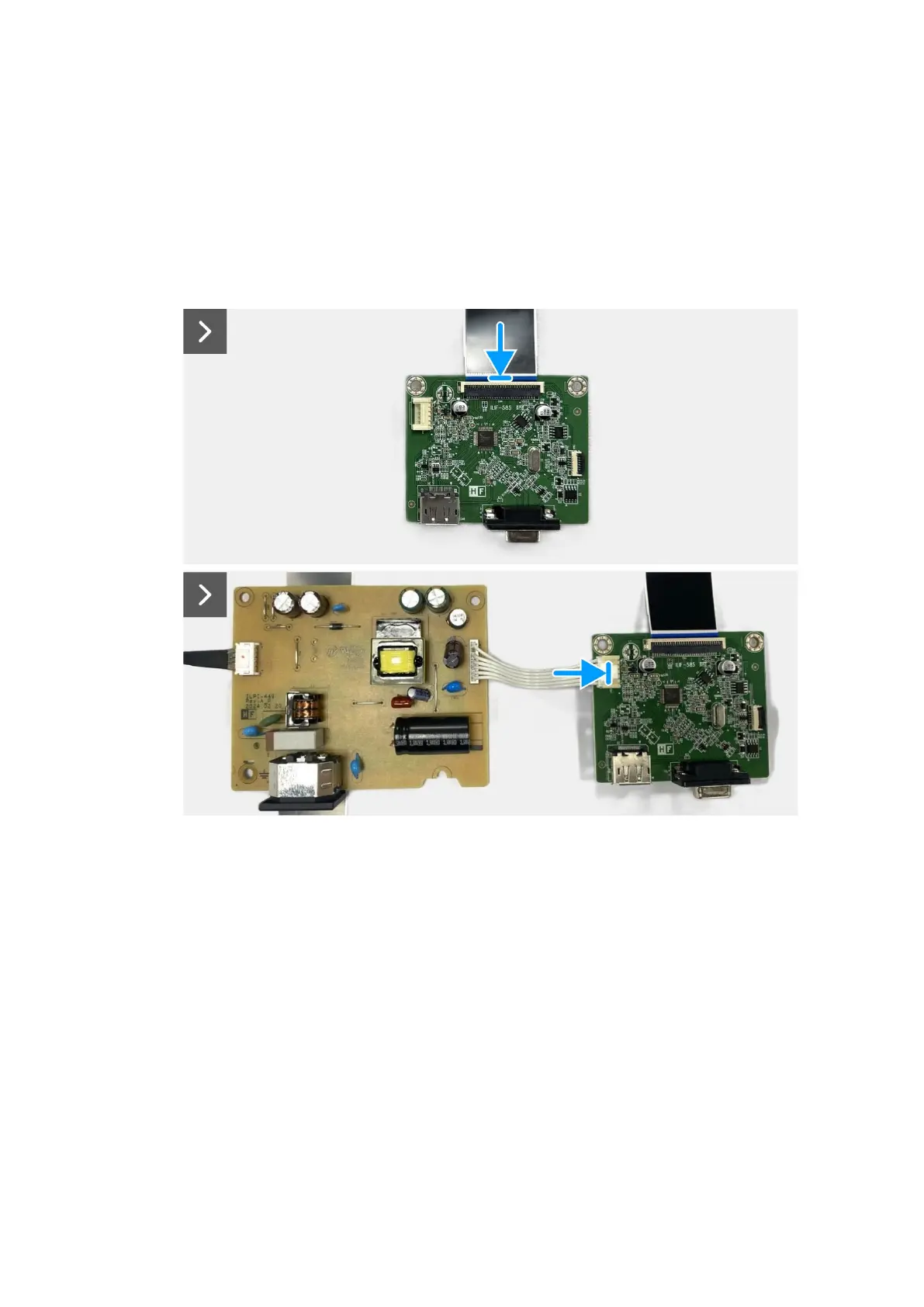
Installing the interface board
Steps
1. Connect the LVDS cable to the connector on the interface board.
2. Connect the power cable to the connector on the interface board.
3. Assemble the interface board and power board to the chassis.
4. Replace the four screws (M3x6) to secure the interface board and power board with the chassis.
5. Replace the screw (M4x9) to secure the power board with the chassis.
6. Replace the two hex screws (#4-40x11.8) to secure the VGA port.
Figure 23. Installing the interface board


 To Next Page