Optical drive assembly
Removing the optical drive assembly
Prerequisites
1. Follow the procedure in before working inside your computer
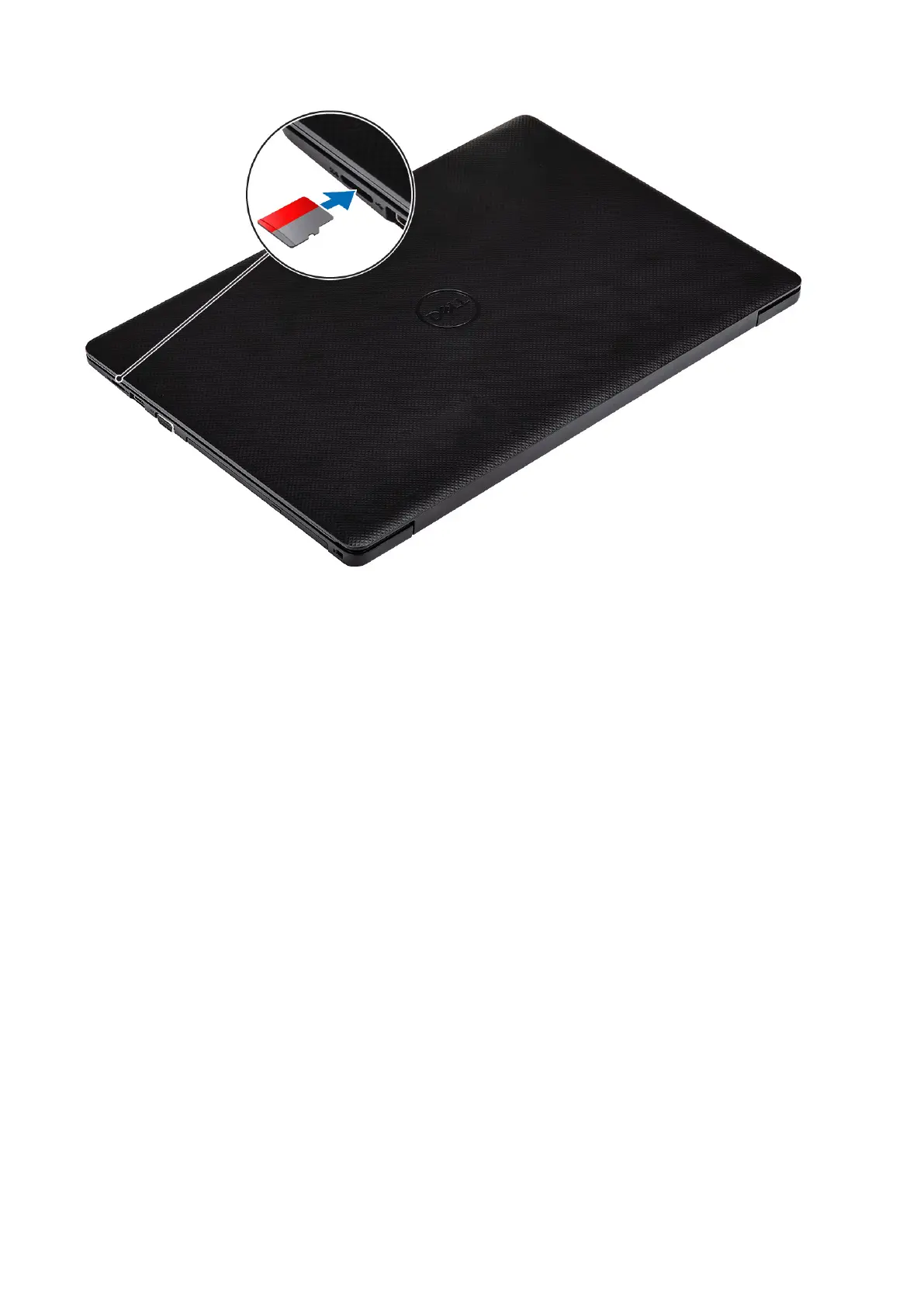
2. Remove the SD memory card
Steps
1. Remove the single (M2x4) screw that secures the optical drive to the system [1].
2. Slide the optical drive out of the computer [2].
16
Removing and installing components



 To Next Page