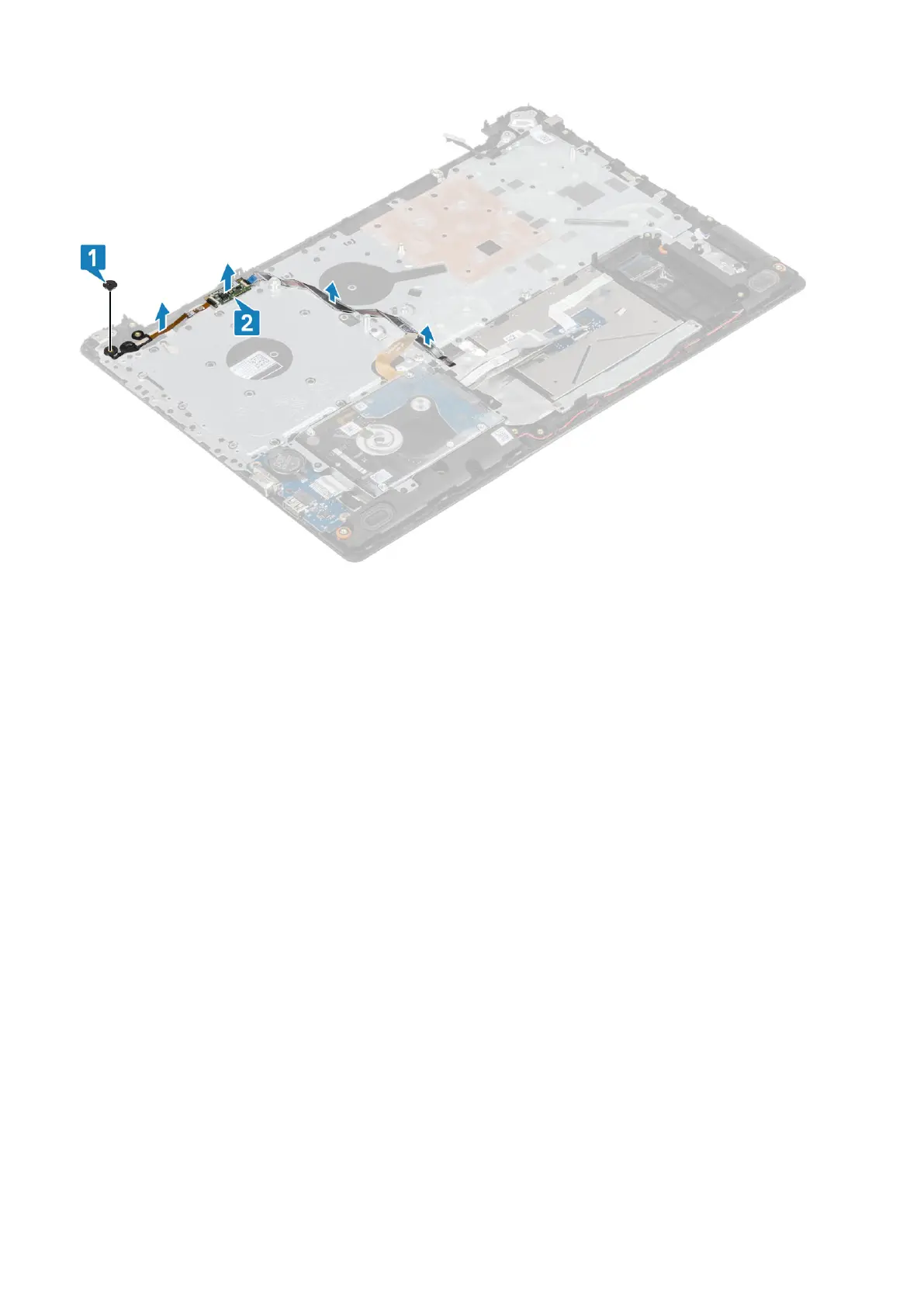
Installing the power button with fingerprint reader
Steps
1. Affix the fingerprint reader cable on the palm rest and keyboard assembly.
2. Using the alignment posts, align and place the power button on the palmrest and keyboard assembly [1].
3. Replace the single (M2x2) screw that secures the power button on the palmrest and keyboard assembly [2].
Removing and installing components
67



 To Next Page