Next steps
1. Replace the system board
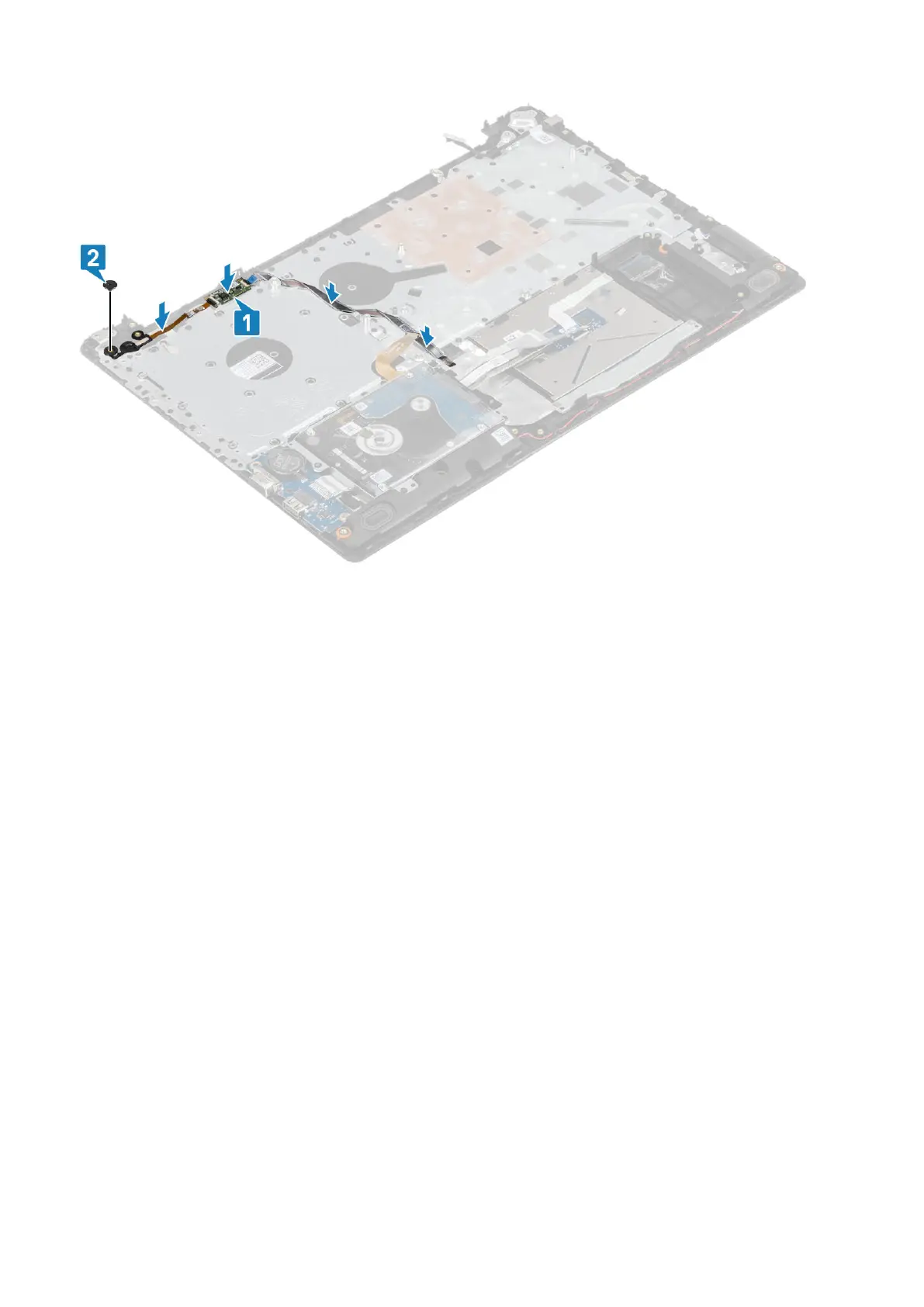
2. Replace the power button board
3. Replace the display assembly
4. Replace the heatsink
5. Replace the system fan
6. Replace the SSD
7. Replace the WLAN
8. Replace the battery
9. Replace the base cover
10. Replace the optical drive assembly
11. Replace the SD memory card
12. Follow the procedure in after working inside your computer
Power-adapter port
Removing the power adapter port
Prerequisites
1. Follow the procedure in before working inside your computer
2. Remove the SD memory card
3. Remove the optical drive assembly
4. Remove the base cover
5. Remove the battery
6. Remove the WLAN
7. Remove the SSD
8. Remove the display assembly
9. Remove the power button board
68
Removing and installing components



 To Next Page