Chapter 6 UPS Display and Settings
68
6.2 LCD Display Screen
1. Button functions:
(A) “
” “ ” and “ ” buttons:
a. Use the “
” and “ ” buttons to choose different functions, and then
press the “
” button to enter the choice.
b. Press the “
” and “ ” buttons simultaneously to go back to the previous
display screen.
(B) “ON” and “OFF” buttons:
a. Press the “ON” and “
” simultaneously for 3 seconds to turn on the
inverter.
b. Press the “OFF” and “
´VLPXOWDQHRXVO\IRUVHFRQGVWRWXUQRႇWKH
inverter.
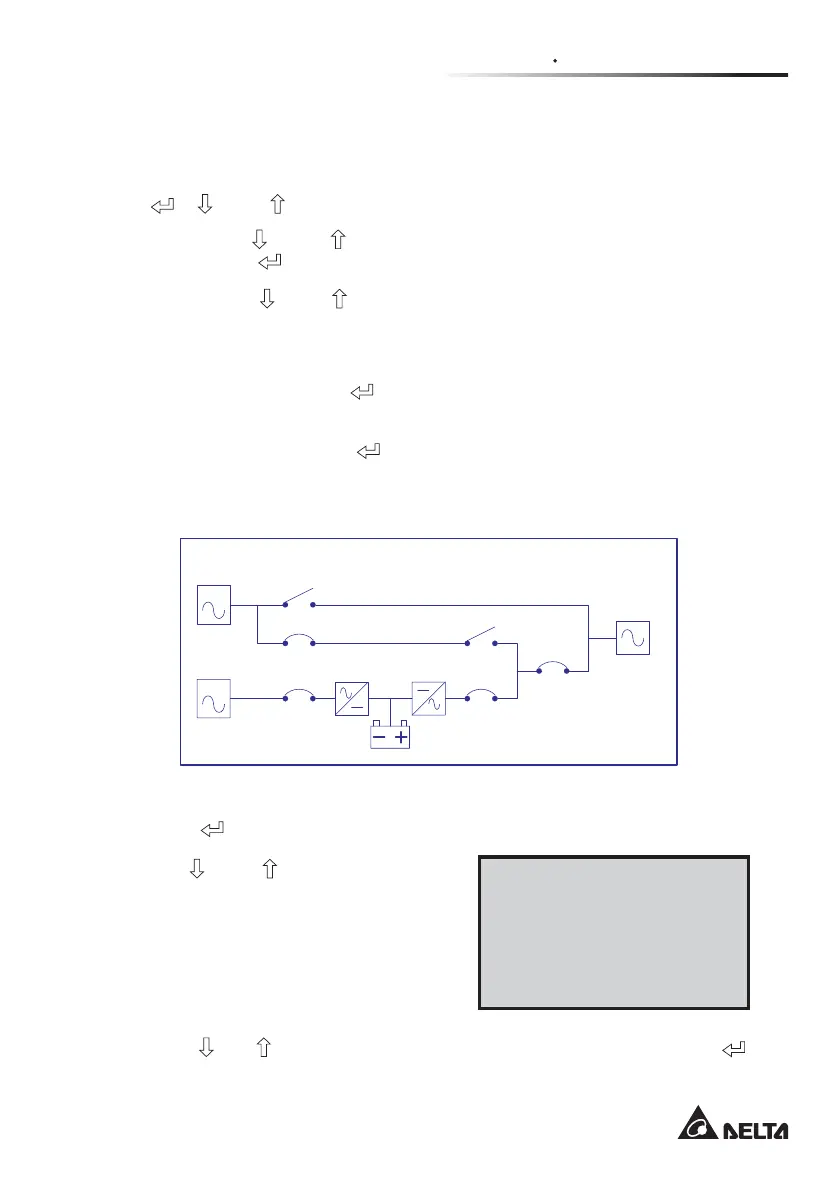
2. When the UPS is normal, the LCD screen will stay in the start display as follows.
MAINS
BYPASS
ID : 1
Normal Mode
Figure 6-2: LCD Start Display
3. Press the “ ” button to enter the “Main Menu” as follows.
Use the “
” and “ ” buttons to choose
the functions.
ÆMeasure Page
Parameter Setting
System Control
Event Log
Other Information
4. Press the “ ” o r “ ” button to choose “Measure Page”, and then press the “ ”
button to enter the “Measure Page”.



 To Next Page
 Loading...







