Chapter 3 Keypad and Start-up VFD-EL-W
34
3-2 Operation Method
You can set Pr.02.01 to select the operation
method to be through the digital keypad, RS-485
communication or control terminals.
Operate through
communication
When using communication from the PC, use an IFD6500 / IFD6530 or IFD8500
converter to connect the drive to the PC.
Refer to the communication address 2000H and 2101H setting for details.
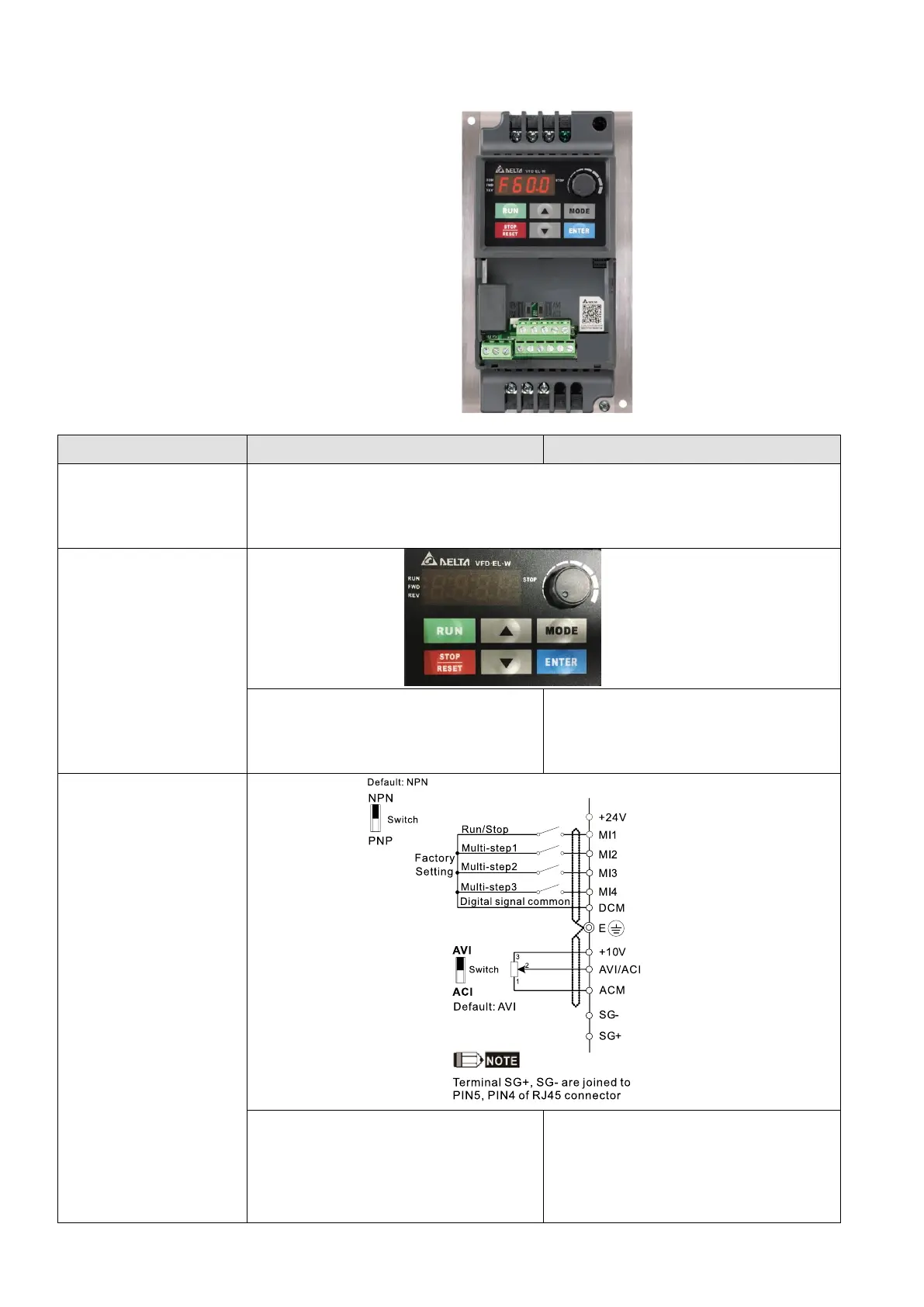
Operate through the
digital keypad
Set the frequency source through the
▲▼
keys, as shown in Figure 3-1.
Set the operation command source
through the RUN, STOP / RESET keys,
as shown in Figure 3-1.
Operate through
external signals
MI3-DCM (Set Pr.04.05 = d10)
MI4-DCM (Set Pr.04.06 = d11)
Set MI1-DCM as Run / Stop.
Refer to the parameter descriptions in
Chapter 04 for details of FWD/REV
operations.



 To Next Page
 Loading...