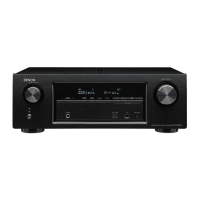
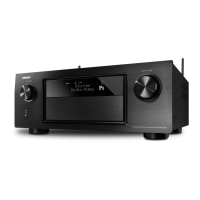
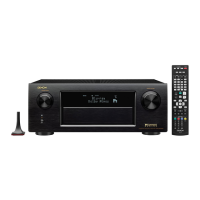
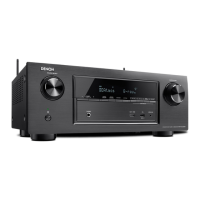
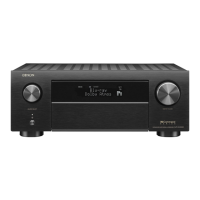
3.7. Operation Info mode
3.7.1.Specications
This mode displays the accumulated operating time, power on count, counts for each protection on the set.
3.7.2. About the display on the FL display
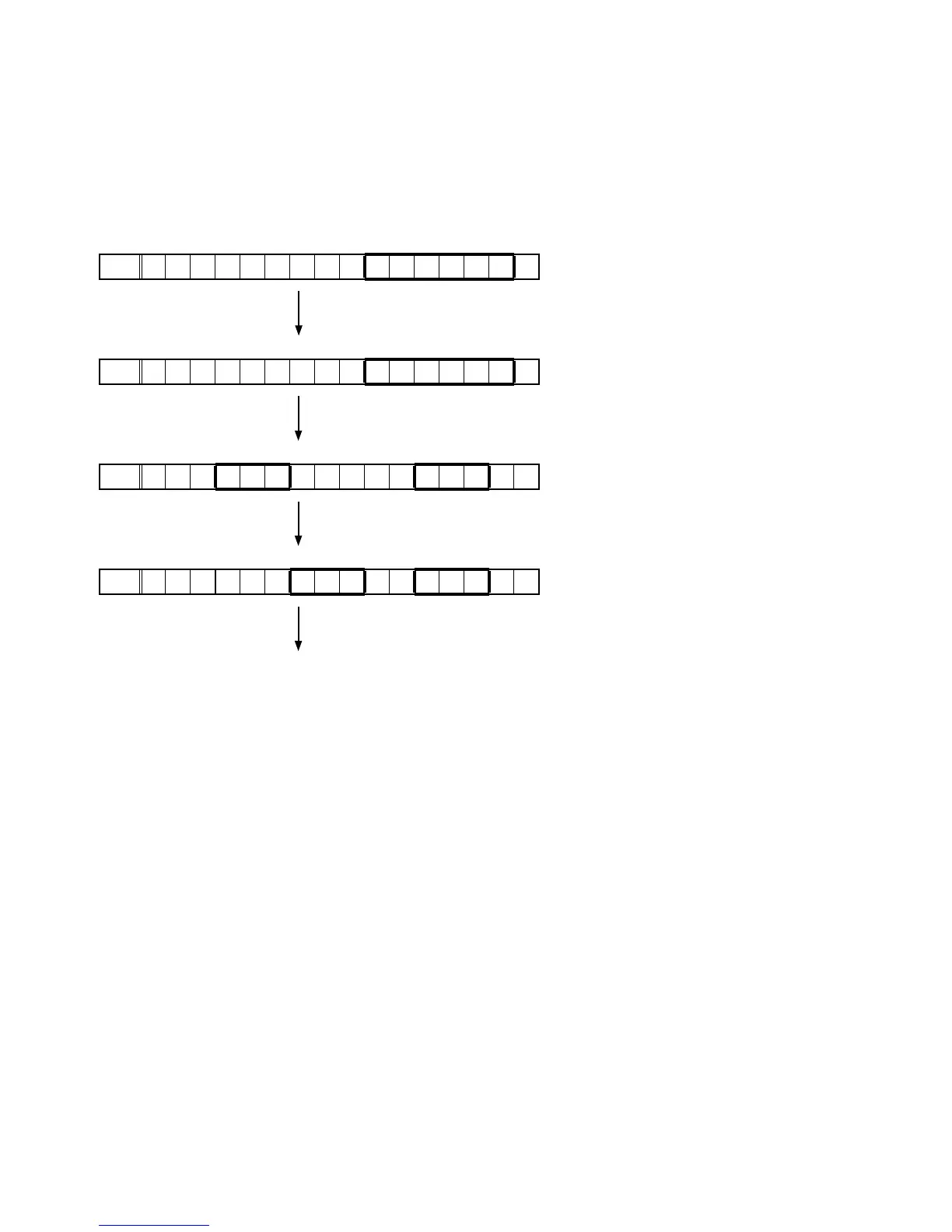
When the set has started in the Operation Info mode, press the "STATUS" button to display information in the following
order.
(a) Accumulated operating time
FLD
O P T i m e H
↑ Time display
"STATUS"
(b) Power on count
FLD
P . O n T i m e
↑Count display
"STATUS"
(c) DC /ASO Protection count
FLD
D C : / A S O :
"STATUS"
(d) Thermal Protection count
FLD
T H M A : / B
"STATUS"
(Returns to normal display)
48

 To Next Page
 Loading...