29
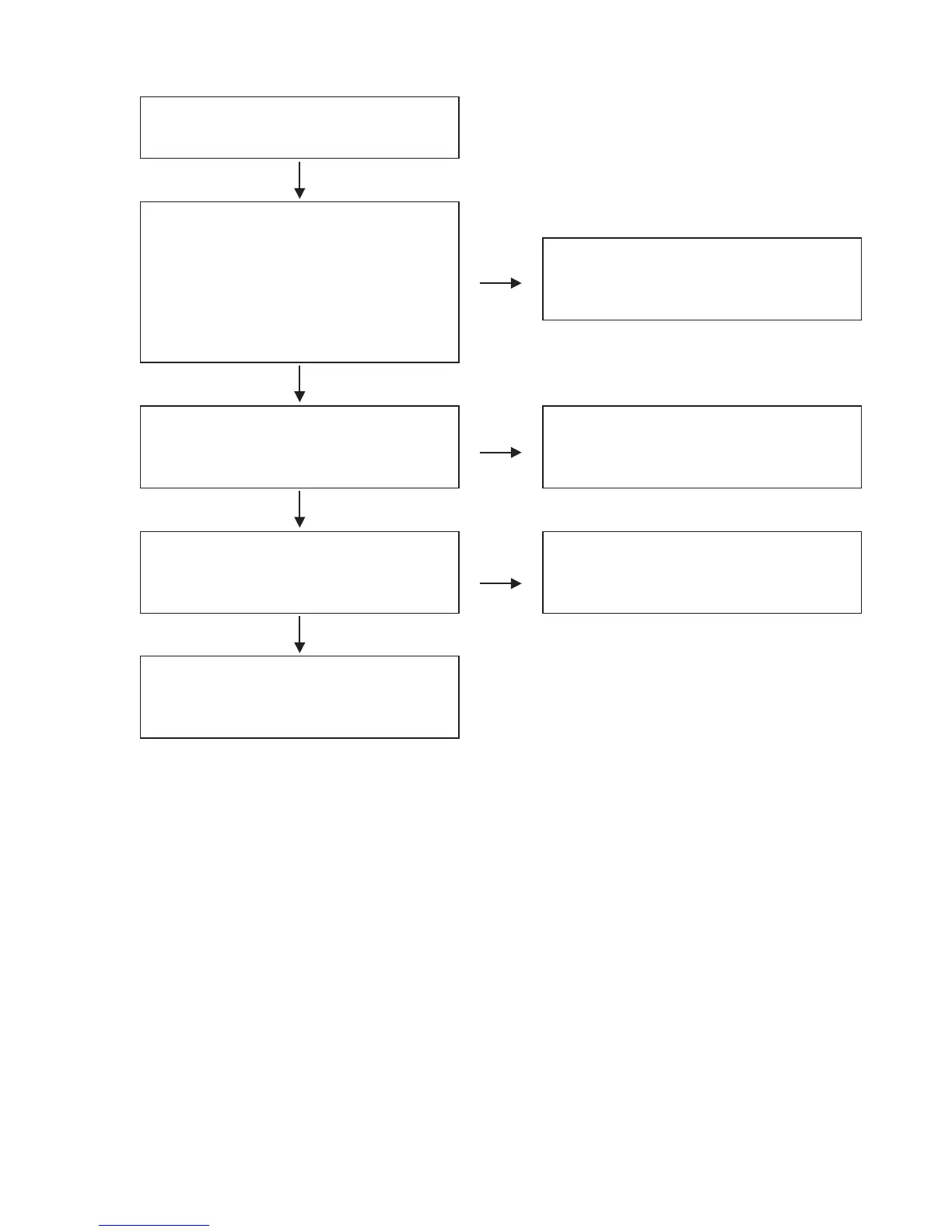
FLOW CHARTNo.12 (405-MC6000-2783 : I/O UNIT)
O.K.
O.K.
O.K.
N.G.
N.G.
N.G.
Sound of LINE input is not outputted correctly.
・
Set the channel input source switch to "LINE".
・
Set the CROSS FADER CONTOUR to "THRU".
・
Set the input level volume to "12
:
00".
・
Set the Cannel FADER to "MAX".
・
Set the master level volume to "14
:
00".
Are audio signals output to 7pin(Lch),1pin(Rch) of
IC400 when an audio signal of 1 kHz 0 dBV is input
externally to the LINE input?
Check periphery circuit of IC400 from JK400, and
replace it if defective.
When the periphery circuit is correct, replace
IC400.
Are the audio signals outputted to 7pin,1pin of
IC402(Lch), IC403(Rch)?
Check periphery circuit of IC402,IC403 from IC400,
and relace it if defective.
When the periphery circuit is correct, replace
IC402,IC403.
Are the digital audio signals (0-3.3V) outputted from
15pin(DATA) of IC404(L/Rch)?
Check the input signals of
IC404(16pin,17pin,18pin),and replace it if defective.
Check periphery circuit of 85pin of IC404 from
15pin of IC404, and replace it if defective.



 To Next Page