52
Engine Lighting
The Engine Lighting page allows you to control connected lighting
devices such as DMX fixtures and Smart Lights using SoundSwitch
to seamlessly sync your music and lights.
To enable Engine Lighting, make sure the Engine Lighting
option under Services in the hardware Settings menu is set to
On. Once Engine Lighting is enabled, you can tap the gear icon in
the Settings menu to open the lighting control page. You can also
access this page after enabling it by pressing the View button to
cycle between it and the Library and Performance views.
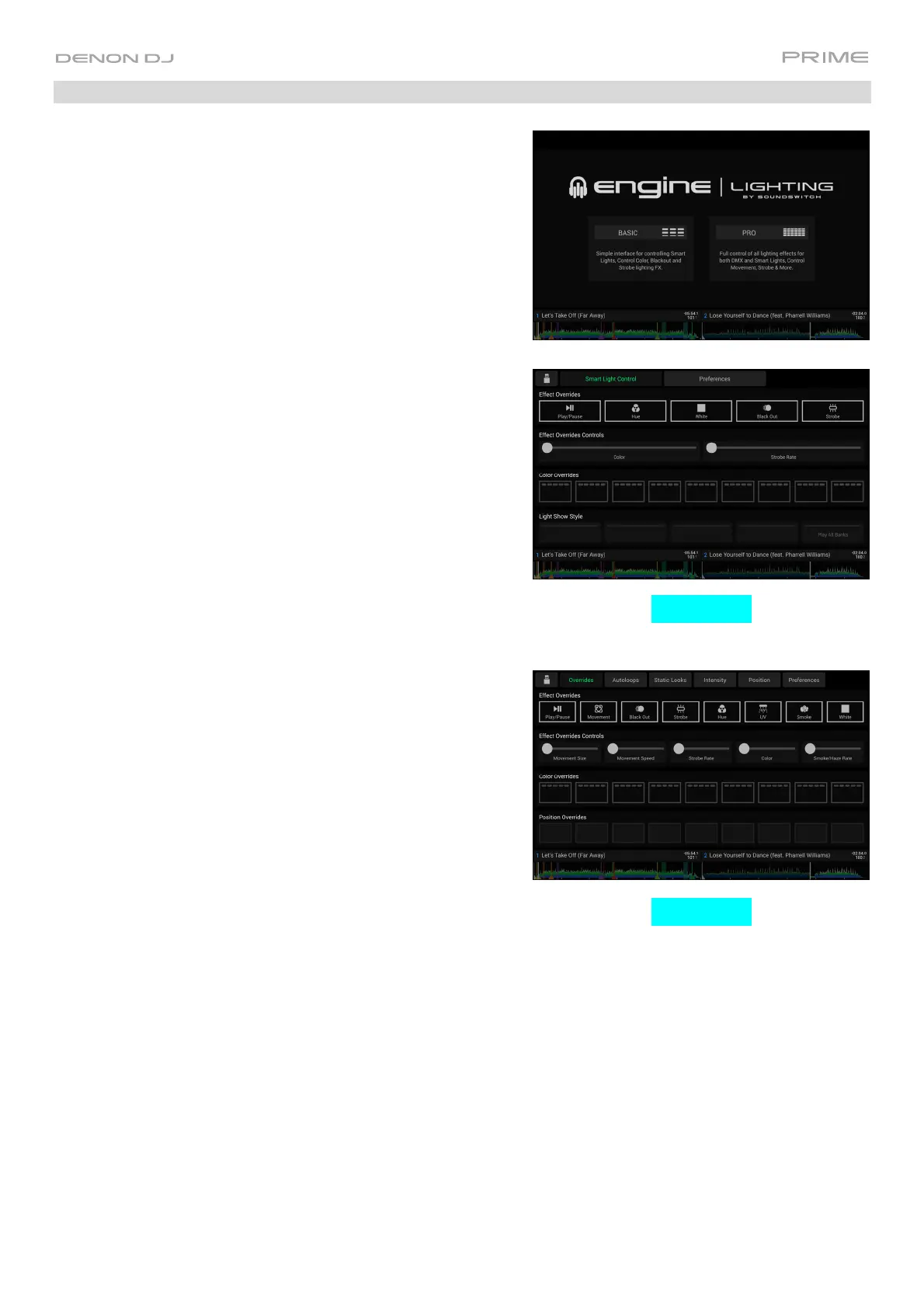
The first time you use Engine Lighting, you can select a Basic or
Pro layout for performing:
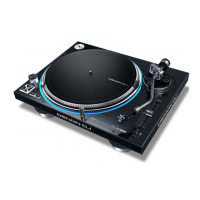
Basic: A simple interface for controlling Smart Lights, Control
Color, Blackout and Strobe Lighting FX.
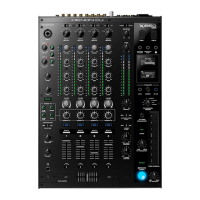
Pro: Full control of all lighting effects for both DMX and Smart
Lights, Control Movements, Strobe and more.
You will also be prompted if you want to connect Philips Hue or
NanoLeaf Smart Lights when you first use Engine Lighting. This
can also be configured later through the Engine Lighting
Preferences menu.
Visit soundswitch.com for more information on using SoundSwitch
lighting controls with your PRIME hardware.
Basic View
Pro View













 To Next Page