22
Chapter 5 Customizing the Scanner
You can customize the scanner by modifying communications, bar code type, and other scanner parameters with the
bar-coded parameter menu or the configuration software ScannerSetting*. These parameters retain their settings even
when the power is off.
(1) Scanning parameter setting bar codes from the bar-coded parameter menu
by pressing the trigger switch.
(The bar-coded parameter menu is given in Chapter 13.)
(2) Using the configuration software (ScannerSetting)*
in your computer.
The configuration software can operate via the USB-COM interface.
If your scanner is set up with the USB keyboard interface, you need to switch to the USB-COM interface by scanning
the "USB-COM interface" bar code (provided in Section 12.2) and installing the USB-COM device driver to your
computer (refer to Section 3.2).
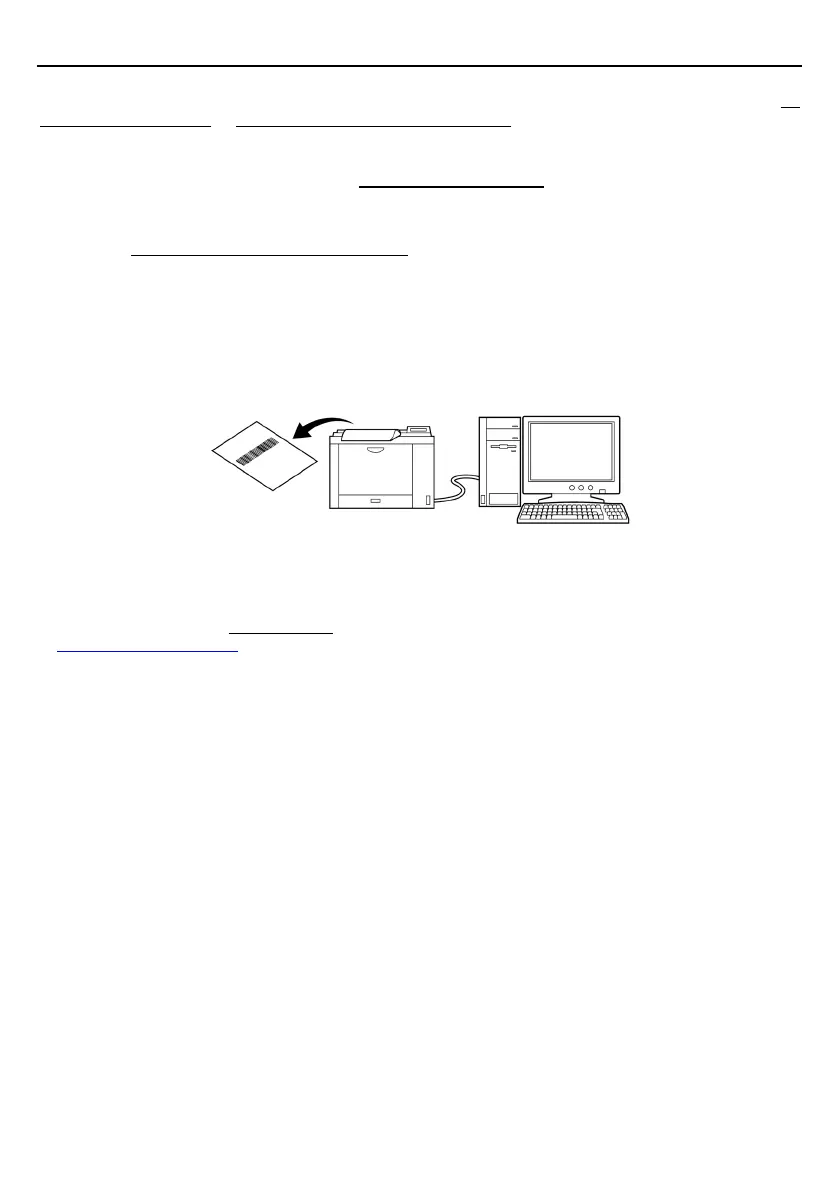
The configuration software also offers batch-process bar code printouts for ready by scanners in the field. Those
printouts can be scanned via either of the USB-COM interface or USB keyboard interface.
* The configuration software (ScannerSetting)
is available as free downloads from our website at
http://www.denso-wave.com/
.



 To Next Page