57
13.2 Bar-Coded Parameter Menu
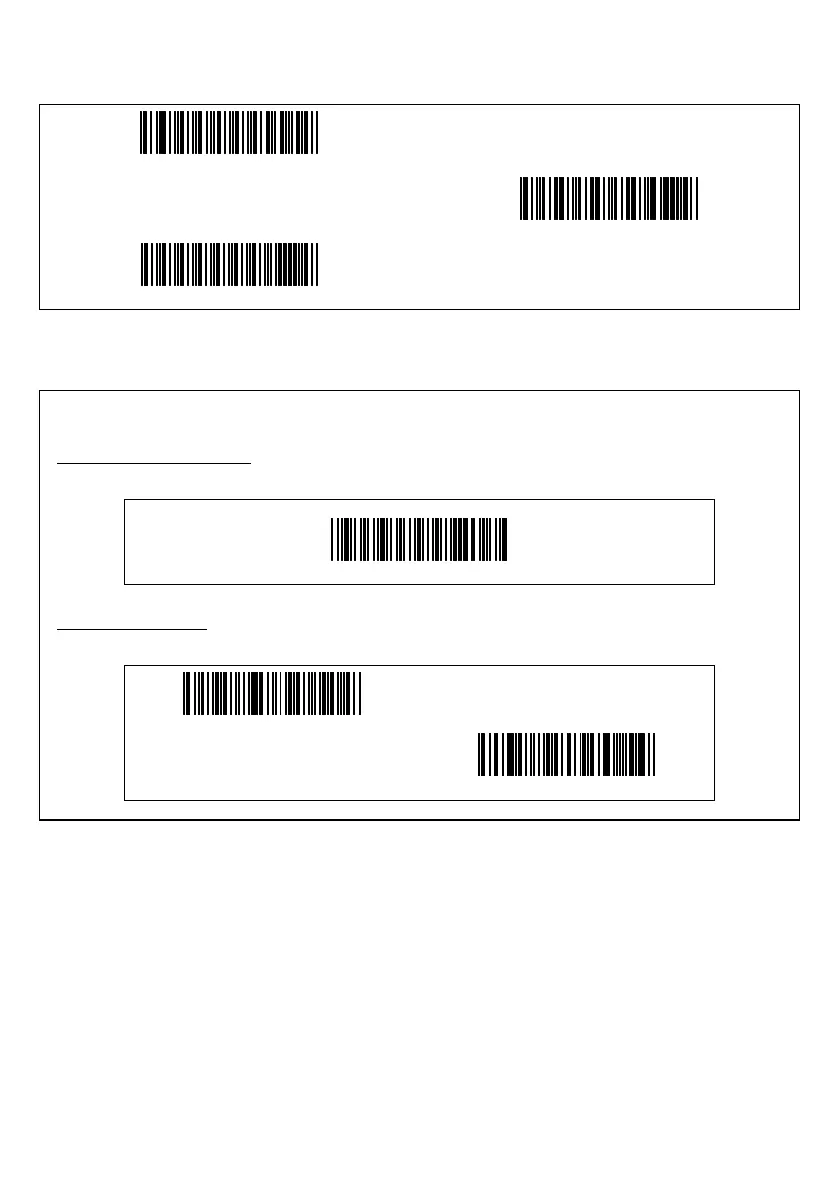
Menu control (Starting/ending the setting procedure and reverting to defaults)
Start setting
End setting
All defaults
The beeper volume and interface items can be set by only scanning the following bar codes. No "Start setting" or
"End setting" bar code is required to be scanned.
Adjusting the beeper volume
Scanning the following bar code cycles between the High, Medium, and Low settings. The factory default is High.
Beeper volume
Selecting the interface
The factory default is the USB keyboard interface.
USB keyboard interface (default)
USB-COM interface



 To Next Page