38
Chapter 10 Beeper, Indicator LED and Vibrator
10.1 Beeper
(1) Beeping
The scanner emits a short or long beep to indicate the scanner status as described below.
You can disable the beeper with the bar-coded parameter menu or configuration software (ScannerSetting).
The beeper emits a short beep (60 ms, 80 ms, or 120 ms selectable*) when:
• the scanner has read a bar code successfully,
• bar code data read matches the master bar code data in the data verification mode,
• data retransfer or specific character transfer is complete, or
• bar code data read in the specified data editing matches the editing conditions.
* The configuration software (ScannerSetting) provides three choices for the
beeping time of a short beep--60 ms, 80 ms, and 120 ms.
The beeper emits a long beep when:
• a scanning error has occurred at the scanner,
• bar code data read does not match the master bar code data in the data verification mode,
• a master bar code has the wrong number of digits during registration of master bar code data, or
• bar code data read in the specified data editing does not match the editing conditions, resulting in no transfer.
(2) Beeper volume
You can adjust the beeper volume to three level--High, medium and low, by using the bar-coded parameter menu or the
configuration software (ScannerSetting). The factory default is High.
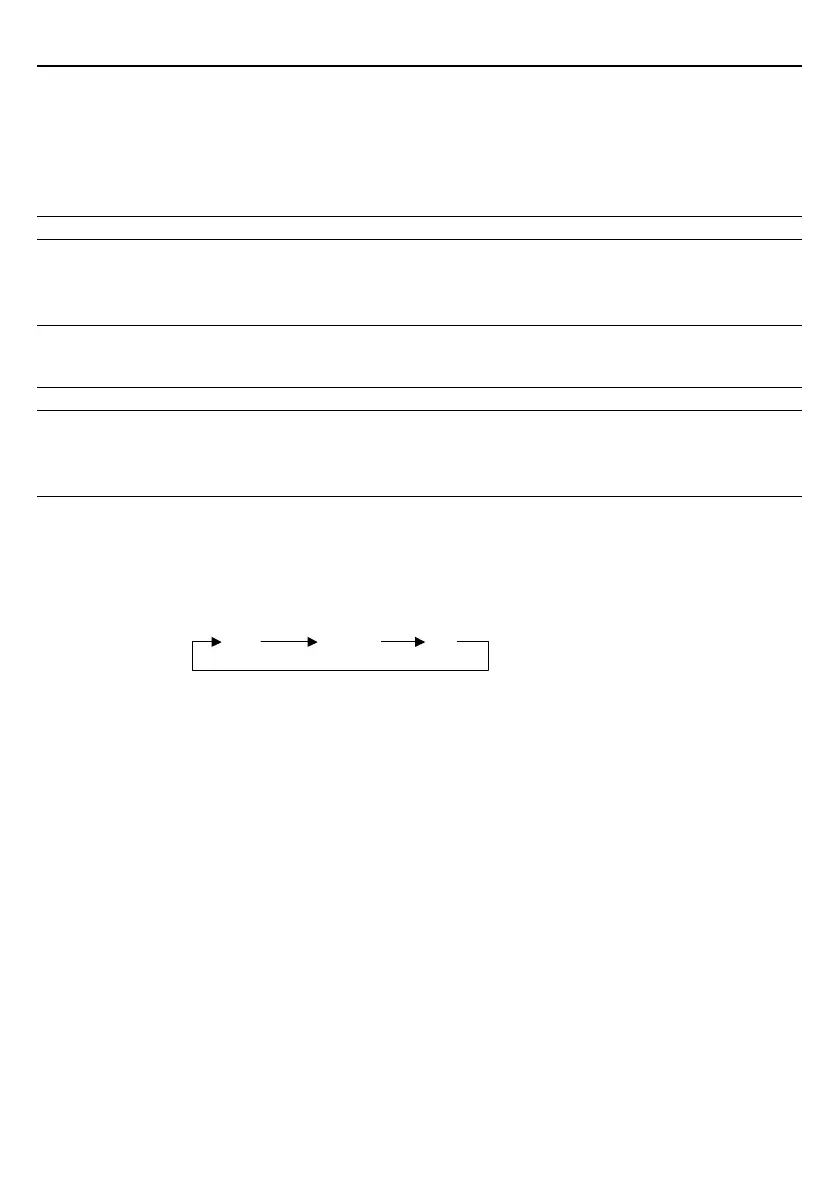
Each time the "Beeper volume" bar code is read, the beeper volume cycles as shown below.
Turning the scanner power off does not affect this setting.
(3) Beeper frequency
The configuration software (ScannerSetting) provides the following three choices for beeper frequency.
- "Tone 1: 2.0 kHz"
- "Tone 2: 4.0 kHz"
- "Tone 3: 4.3 kHz"
The factory default is Tone 2 (4.0 kHz).
Turning the scanner power off does not affect this setting.
(4) Trigger timing for the reading completion beeper and indicator LED
The configuration software (ScannerSetting) provides the following two trigger timing choices for the reading completion
beeper and indicator LED (blue).
- "Before data transmission": The trigger timing is when bar code scanning has been completed, regardless of whether
the bar code data is normally transferred.
- "After data transmission": The trigger timing is when bar code scanning has been completed and the data has been
normally transferred.
The factory default is "Before data transmission."
High Medium Low



 To Next Page