30
8.1.3 Verification result output
(1) Report of match/mismatch status
You can select any of the following report types by using the bar-coded parameter menu or configuration software
(ScannerSetting). Selecting "Disable transmission" reports nothing.
Setting If there is a match: If there is a mismatch:
1 Disable transmission. Disable transmission.
2 Enable bar code data transmission. Disable transmission.
3 Enable bar code data transmission. Enable NG transmission.
4 Enable OK transmission. Enable NG transmission.
(2) Beeper, indicator LED and vibrator
You can check whether the verification result is a match or mismatch, with the beeper, indicator LED and vibrator.
When the beeper, indicator LED and vibrator are enabled, they act as listed below.
Vibrator
Beeper Indicator LED
"OK" vibrations "NG" vibrations
If there is a match: Emits a short beep. Lights in blue. Operates. --
If there is a mismatch: Emits a long beep. Lights in red. -- Operates.
(3) Scan lock
The scan lock function locks the scanner on standby if the verification result is a mismatch. You can enable or disable this
function with the bar-coded parameter menu or configuration software (ScannerSetting).
Once the scanner is locked, it switches to standby regardless of the current trigger switch control selected. The scanner
remains on standby even if the trigger switch is pressed or a ready-to-scan command (R, READON or LON) is received.
Pressing the magic key or turning off the scanner releases the scan lock.
8.1.4 Output of the master data registered
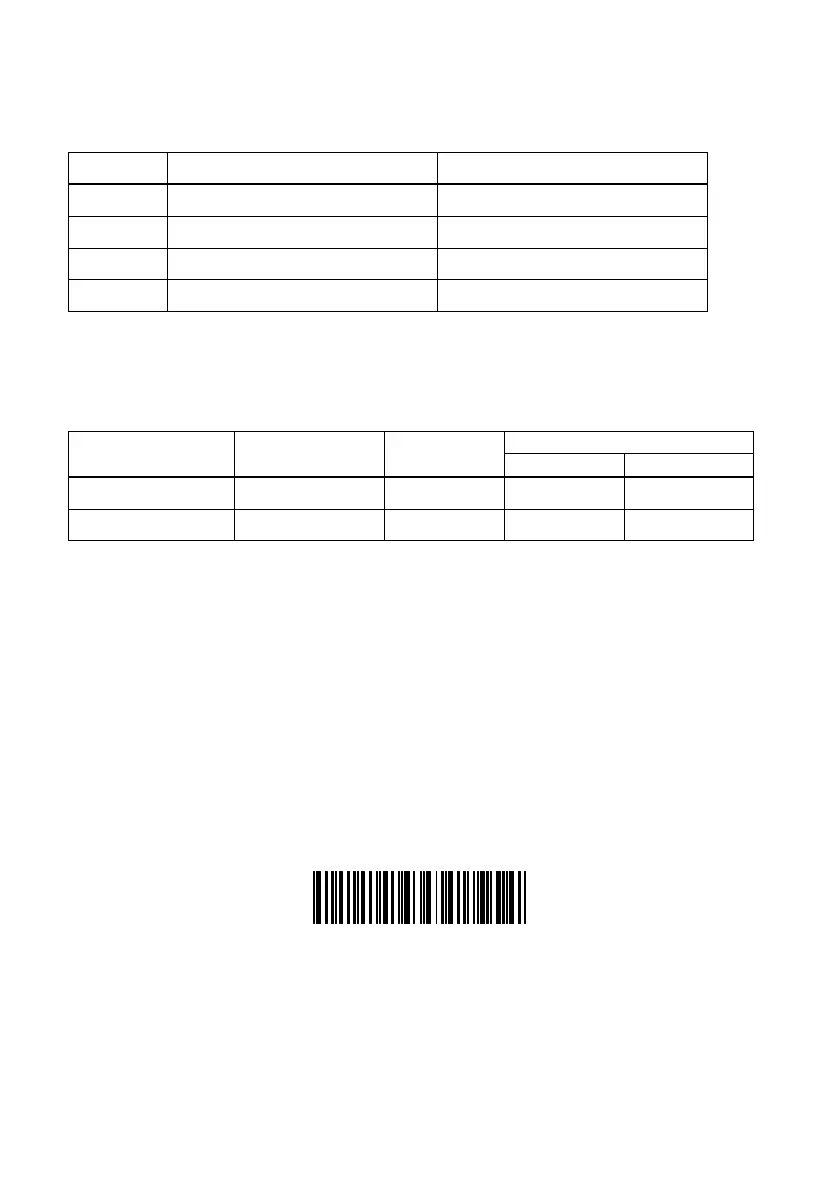
Scanning the "Output master data" bar code given below lets the scanner output the verification section of master data
registered in the verification setup procedure.
Output master bar code



 To Next Page