45
Chapter 12 Parameters and Defaults
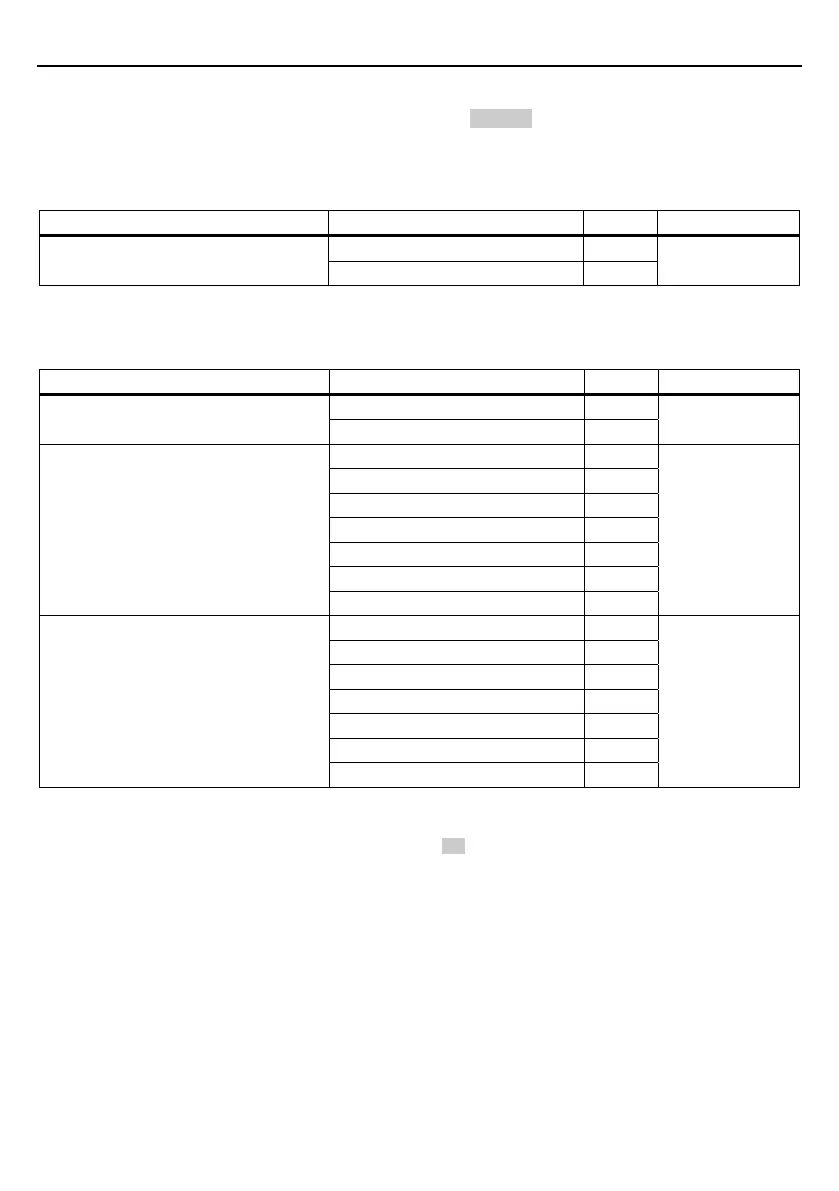
The tables below list the parameters and their defaults. Those parameter settings can be changed with the bar-coded
parameter menu and configuration software (ScannerSetting), except shadowed ones only with the configuration software.
When the scanner leaves the factory, all of these parameters are set to defaults.
(1) Interface to the host
Items Parameters Defaults Refer to:
USB keyboard interface √
Interface
USB-COM interface
(2) Communications parameters for USB keyboard interface
The following settings take effect only when the USB keyboard interface is set up.
Items Parameters Defaults Refer to:
OFF (Lowercase letter) √
Caps Lock
ON (Uppercase letter)
Section 11.1 (1)
(See Note 1.)
U.S. English (101 key type) √
Germany (102 key type)
French (102 key type)
U.K. English (102 key type)
Italian (102 key type)
Swedish (102 key type)
Keyboard type
Japanese (106 key type)
Section 11.1 (2)
3 ms
6 ms
10 ms √
16 ms
30 ms
50 ms
Data transmission interval
100 ms
Section 11.1 (3)
(Note 1) Select the Caps Lock state which matches that of the connected keyboard.
: Can be changed only with the configuration software.



 To Next Page