29
8.1.2 Verification conditions
You can specify a verification starting position and the number of characters to check.
• Starting position: The choices are 1st through 7th characters.
• Number of characters: The choices are 1 through 7 and everything following the starting position (up to a maximum of
32 characters).
For example, you can specify all characters or particular characters of bar code data to check as shown below.
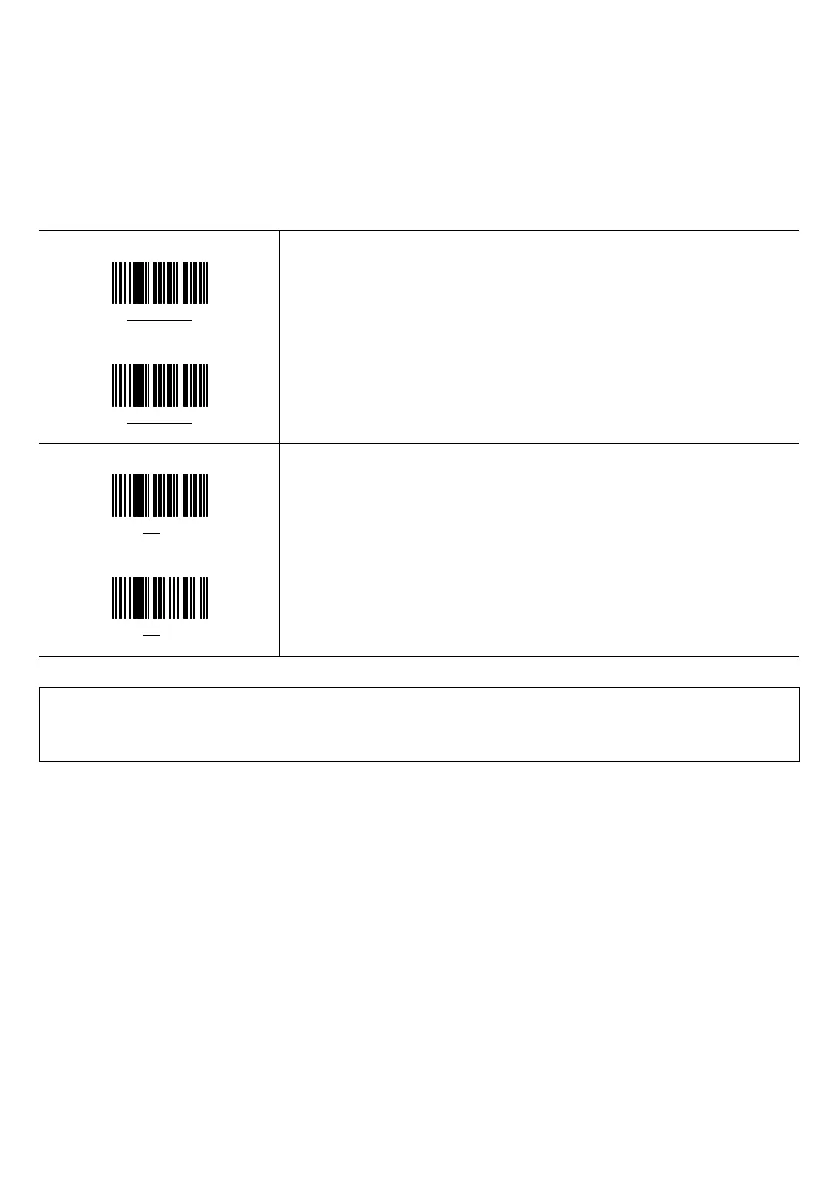
Master bar code data
12345601
Bar code data readable
12345601
Verification conditions: All characters to check
To check all characters as underlined at left, for example, set the following:
- Starting position: 1st character
- Number of characters: All characters
Max. 32 bytes of bar code data can be verified.
Master bar code data
1234
5601
Bar code data readable
0134
7803
Verification conditions: Particular characters to check
To check the characters as underlined at left, for example, set the following:
- Starting position: 3rd character
- Number of characters: 2 characters
Note: Bar code data whose symbology is different from that of the master bar code data produces a mismatch even if
the data matches
Note: Turning off the scanner clears the master bar code stored.



 To Next Page