Configuring printer driver settings
5
ineo 160 5-5
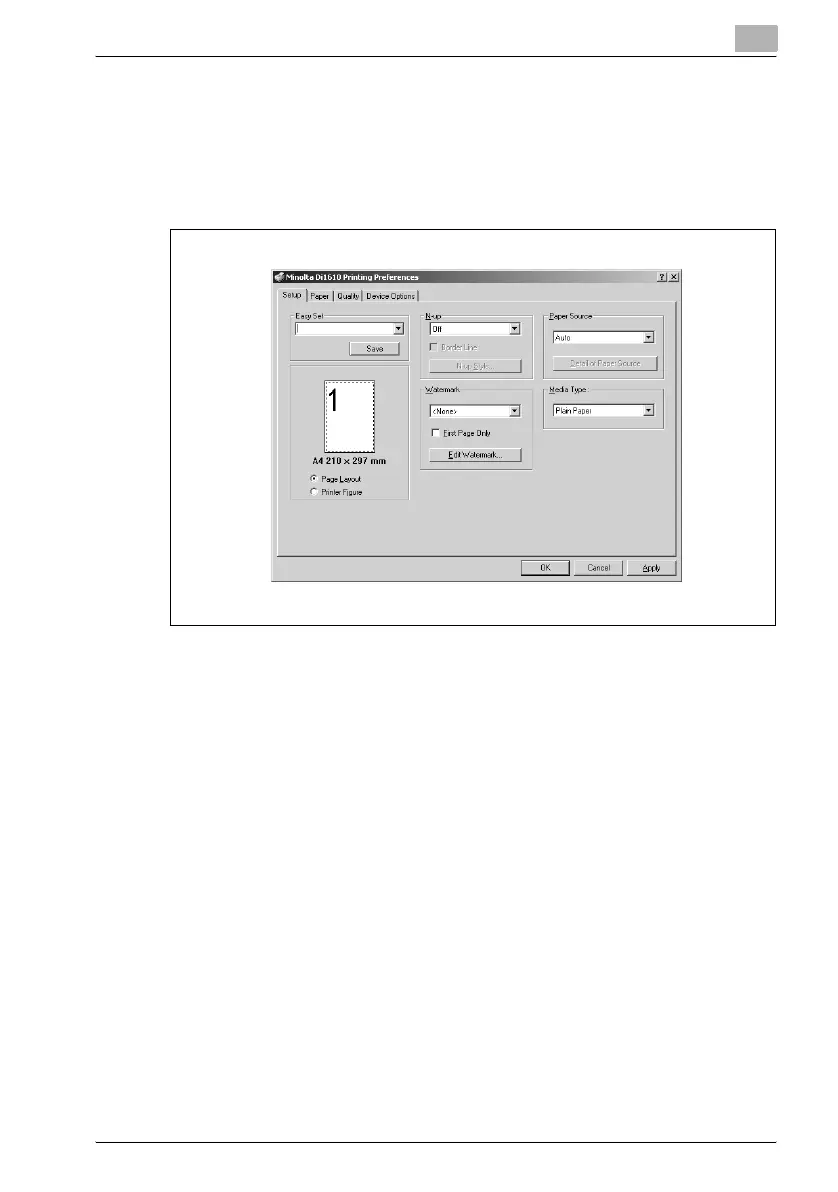
5.2 Common operations
This section describes buttons that are common to the dialog boxes and set-
tings that are common to all four of the tabs (“Setup”, “Paper”, “Quality”, and
“Device Options”). The actual buttons displayed may vary depending on the
operating system.
OK
Click this button to exit the dialog box and apply all settings you changed.
Cancel
Click this button to exit the dialog box without applying any changes.
Apply
Click this button to apply all settings you changed without exiting the dialog
box.
Help
Click this button to view help information about the items in the currently dis-
played screen.



 To Next Page