Configuring printer driver settings
5
ineo 160 5-19
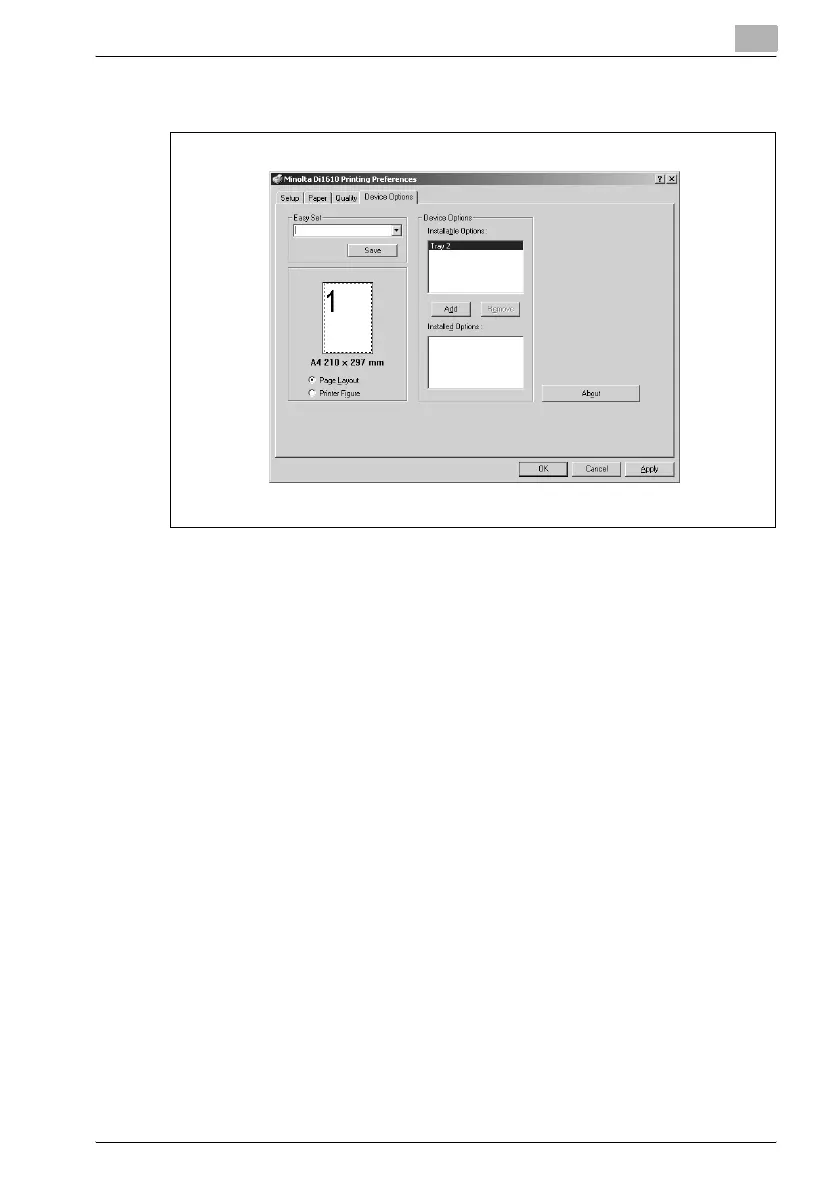
5.6 “Device Options” tab
5.6.1 Device Options
Use this setting to specify whether tray 2 (optional paper feed unit) is in-
stalled.
To add tray 2 from the Installable Options list to the Installed Options list,
select “Tray 2”, and then click the [Add] button.
To remove tray 2 from the Installed Options list, select “Tray 2”, and then
click the [Remove] button.
5.6.2 About
To display version and copyright information about this printer driver, click
the [About] button or the “About” tab.



 To Next Page