5
Configuring printer driver settings
5-6 ineo 160
Easy Set
Easy Set lets you save the setup of each tab for later recall, when you want
to use it again. To save the current settings, click the [Save] button.
Afterward, you can recall the settings by selecting them from a list.
Select “Factory Defaults” from the list to reset all settings on the tab to their
default values.
The button changes to [Delete] while an Easy Set setup is selected from the
list. Clicking the [Delete] button deletes the currently highlighted setup.
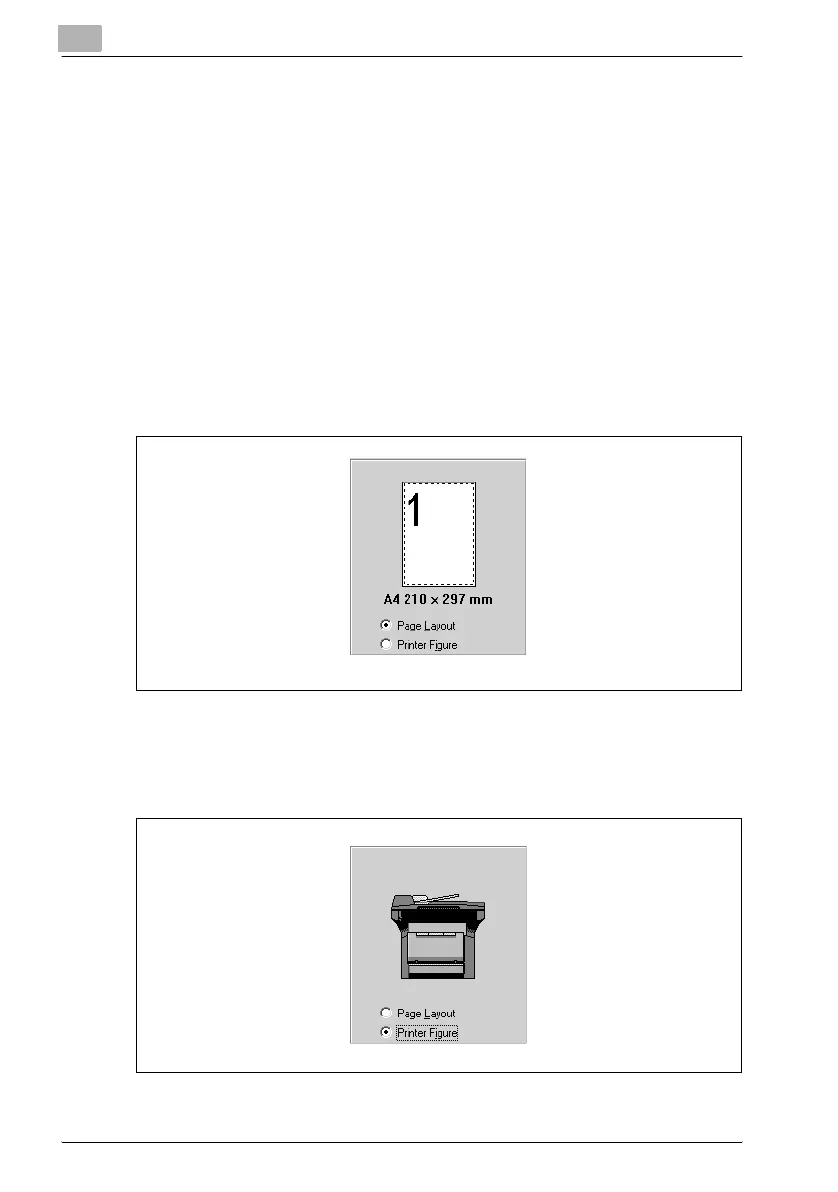
Page Layout/Printer Figure
The Page Layout image shows what the printed document will look like us-
ing the current printer driver settings. The Page Layout image changes as
you select different settings.
The Printer Figure image shows a graphic image of what trays, and other
options are currently installed on the machine. All installed options are dis-
played, and the tray currently selected under Paper Source on the “Setup”
tab appears in light blue.



 To Next Page