Control panel operations
6
ineo 160 6-5
2
Note
The [Fax], and [Scan] keys, and the fax function keys are only on the con-
trol panel of 160f.
The [Scan] key is available only when the optional Network Interface Card
(NC-501) and the optional Scanner Unit (SU-502) are installed.
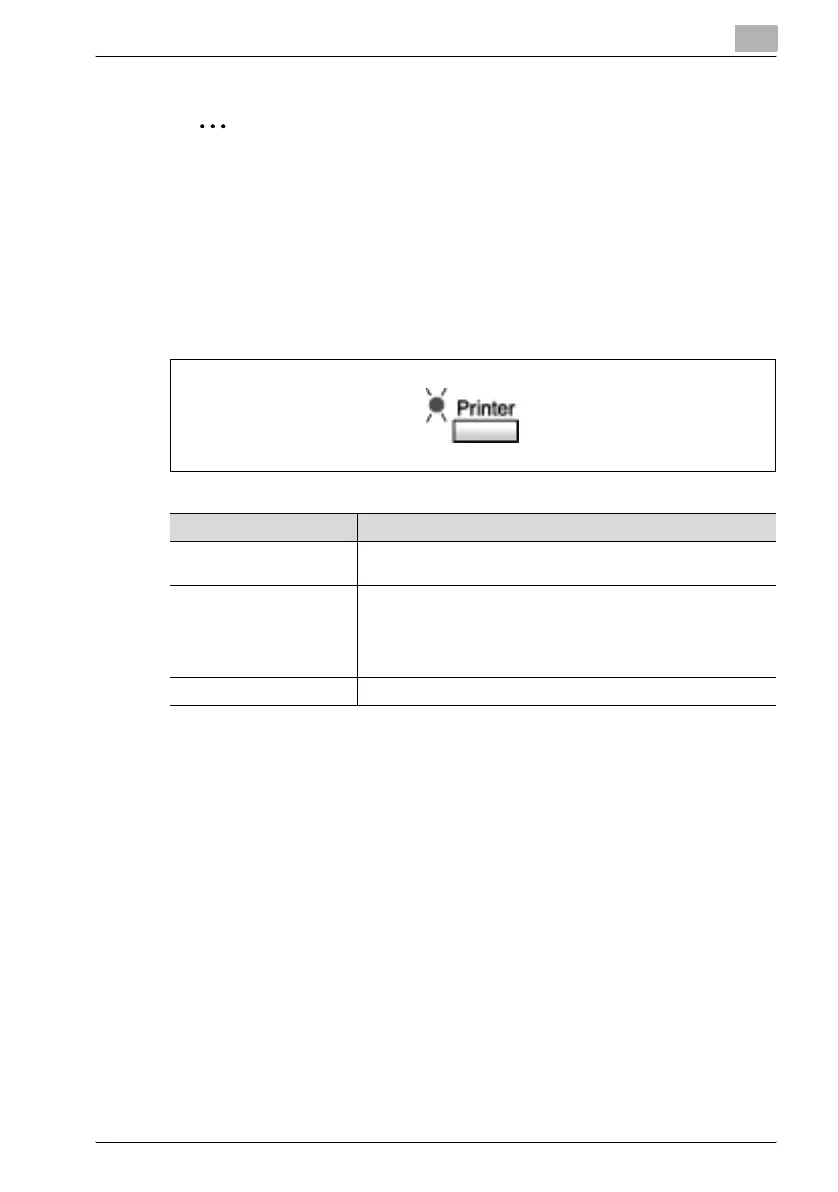
[Printer] indicator
The [Printer] indicator shows the current status of PC printing.
Starting the Print Operation
Normally, when printing is performed from a connected computer, printing
begins automatically.
- If the machine is in the copy mode when a print command is executed on
a connected computer, printing begins automatically if no operation is
performed in the copy mode for 30 seconds.
- If the 160F receives print data while a fax operation is being performed,
printing begins.
[Printer] Indicator Description
Blinking • Machine is receiving print data, even while in another mode.
• A machine error has occurred.
On • When in another mode, indicates that machine memory con-
tains print data.
• In the PC print mode, indicates that machine is printing print
data. The indicator remains lit (without blinking) even if data is
being received while printing is in progress.
Off • No print data in machine memory.



 To Next Page